
|
Do it yourself
| |||
| ||||


|
Model: Yamaha Tmax 530
To replace the battery on a Yamaha TMAX 530, remove the glove compartment and loosen the two screws located under the knobs to remove the panel beneath the handlebars. Once this panel is removed, you can loosen the screws securing the panel to its left and remove it as well. Underneath, you will find the battery, which can be disconnected from the terminals and freed by loosening the securing bolts. The device can then be replaced with a new part, reassembling all the removed panels.
Updated on 5 May 2026 by ScegliAuto
Video tutorial
Related tutorials
Tmax 530
To replace the battery of the Yamaha TMAX 530, remove the storage compartment located at the bottom left of the handlebars. Once the compartment is r…

Tmax 530
To replace the battery on a Yamaha TMAX 530, first, remove the glove compartment located on the lower left side of the handlebars. Once the compartme…
Tmax 530
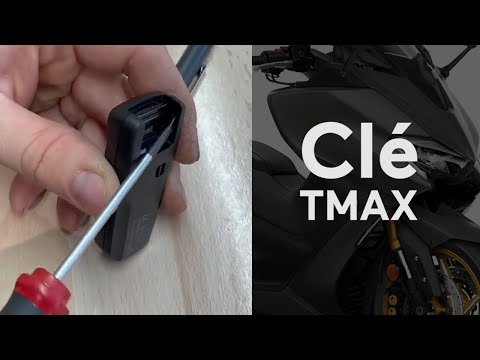
To replace the battery in the Yamaha Tmax 530 remote, pull the key out from the top of the device. Once the key is removed, lever inside its housing …
|
How to Replace the Air Filter on a Triumph Bonneville T120?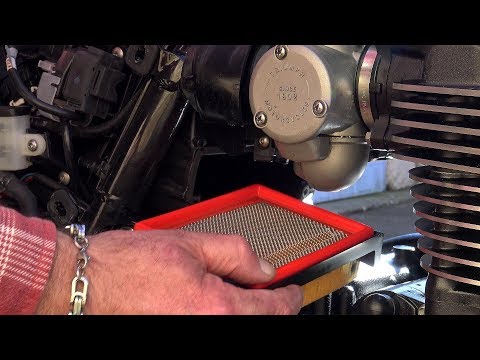
As shown in this tutorial, replacing the air filter on a Triumph Bonneville T120 is extremely simple and quick. First, wait for the engine to cool down, then grasp both covers located under the seat and separate them from the frame. Next, remove the aluminium airbox covers by unscrewing the relevant bolts and disconnect both hoses. At this point, unscrew the single screw on the box cap, extract the old filter, and insert the replacement. To reassemble, simply follow the reverse procedure. by ScegliAuto More videos
|
For advertising on this site Write to info@scegliauto.com
ScegliAuto is not responsible for any inaccuracy of the data in the lists. To report any inaccuracy or your business (if you own the business in question), please write to info@scegliauto.com
Number of seconds to generate the page: 0.005
(c) ScegliAuto 2026 - info@scegliauto.com - Privacy policy VAT number: IT01247470535 |
