
|
Do it yourself
| |||
| ||||


Model: Yamaha Mt 10
To change the engine oil on the Yamaha MT-10, you need to unscrew the oil drain plug, located at the central lower part of the bike; you will need to collect all the used engine oil in a suitably positioned container. Then, on the left side of the vehicle, you can locate the oil filter, unscrew it, and replace it with a new one. Once the oil filter has been removed, you can insert the new oil through the designated filler on the right side of the bike; finally, you should start the vehicle to check that everything is functioning properly.
Updated on 1 June 2026 by ScegliAuto
Video tutorial
Related tutorials
Mt 10
Today, we will go through the necessary guide on how to perform routine maintenance by changing the engine oil and oil filter on the Yamaha MT-10. Fi…

Mt 10
This brief guide illustrates how to perform routine maintenance by changing the engine oil and oil filter on a Yamaha MT-10. First, place the bike on…

Mt 10
In this tutorial we can see how to replace the engine oil in the Yamaha MT-10, a very simple and quick operation. First of all, make sure that the en…
|
How to Replace the Front Bulb on the Honda SH 125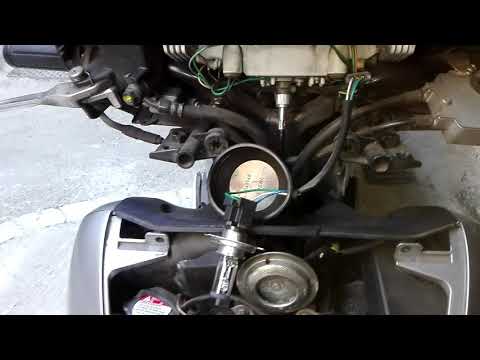
This tutorial explains the steps to replace the front headlamp bulb on the Honda SH 125. This is a very simple procedure. First, remove the front shield of the scooter to access the bulb replacement. To perform this first step, unscrew the lower screw and the two upper screws that secure the cover. At this point, the bulb will be clearly visible. Simply unscrew the bulb and insert a new one. It is recommended to carry out this procedure after ensuring that the bulb to be removed has cooled down. by ScegliAuto More videos
|
|
For advertising on this site Write to info@scegliauto.com
ScegliAuto is not responsible for any inaccuracy of the data in the lists. To report any inaccuracy or your business (if you own the business in question), please write to info@scegliauto.com
Number of seconds to generate the page: 0.005
(c) ScegliAuto 2026 - info@scegliauto.com - Privacy policy VAT number: IT01247470535 |
