
|
Do it yourself
| |||
| ||||


|
Model: Yamaha Xmax 250
To reset the service light on the Yamaha Xmax 250, after changing the oil and completing all required services, you need to - with the scooter on but the engine off - press and hold both buttons located on either side of the display. Strange symbols will appear on the display, and the letters will overlap, but continue to hold both buttons until the light turns off. At this point, switch off the scooter's ignition. Restart the engine, and you will see that the service light is off. Easy and quick.
Updated on 10 June 2026 by ScegliAuto
Video tutorial
Related tutorials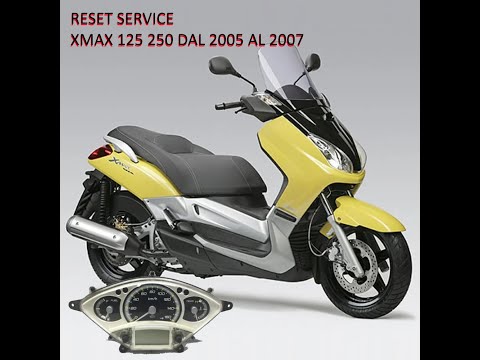
Xmax 250
You can manually reset the service light on the dashboard of your Yamaha XMax 250 without any difficulty, even if you are on your own. Follow the ste…

Xmax 250
On the Yamaha Xmax 250, in order to reset the V-Belt warning light, you need to insert the key into its lock and turn it until the instrument panel l…
Xmax 250
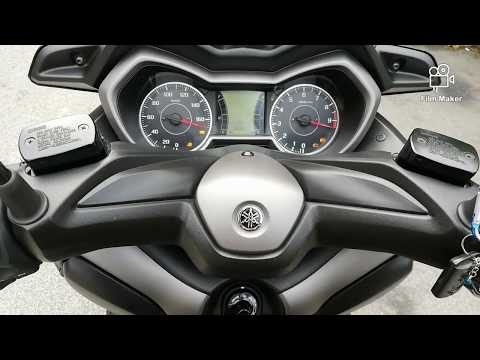
To reset the Oil Service light on the Yamaha Xmax 250, first turn on the instrument panel by turning the key in the ignition switch. Once the panel i…
|
Replacing the Front Brake Pads on the Piaggio Vespa 50 LX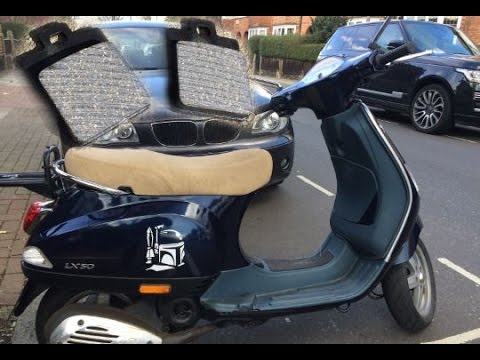
This guide will illustrate the instructions on how to remove and replace the front brake pads on the Piaggio Vespa 50 LX. First, place your scooter on the centre stand and start unscrewing the nuts securing the front wheel to remove it; then use pliers to remove the brake pad retaining clip, as shown in the video. At this point, remove the old pads, cleaning the caliper of dirt; press the caliper piston back to allow for the installation of the new pads (of excellent quality). Finally, reassemble the front wheel. by ScegliAuto More videos
|
For advertising on this site Write to info@scegliauto.com
ScegliAuto is not responsible for any inaccuracy of the data in the lists. To report any inaccuracy or your business (if you own the business in question), please write to info@scegliauto.com
Number of seconds to generate the page: 0.007
(c) ScegliAuto 2026 - info@scegliauto.com - Privacy policy VAT number: IT01247470535 |
