
|
Do it yourself
| |||
| ||||


Model: Yamaha Mio
In this tutorial, you can see how to replace the remote battery on the Yamaha MIO I 125S scooter, a very simple and quick operation. For this, you will need a small cross-head screwdriver, a flat-head screwdriver, and a replacement CR1632 battery. First, locate the small screw on the back of the remote, then unscrew it, and using the flat-head screwdriver, pry along the outer seam. Next, extract the internal module, remove the old battery, and insert the replacement battery, ensuring it is the right way round.
Updated on 13 July 2026 by ScegliAuto
Video tutorial
Related tutorials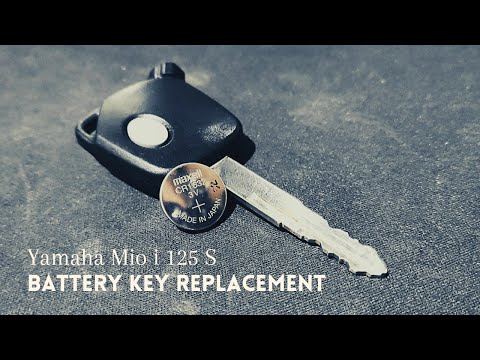
Mio
In this tutorial, you will see how to replace the remote battery on the Yamaha MIO I 125S scooter, a very simple and quick operation. For this, you w…

Mio
For this scooter model, it is recommended to use synthetic 4-stroke oil 10W-40. The oil drain bolt is located at the bottom, specifically on the left…

Mio
The instructions in this guide will show us how to disassemble and replace the seat of the Sym Mio scooter, in simple and quick steps. First of all, …
|
How to Replace and Install the Front Wheel on a Beta RR 300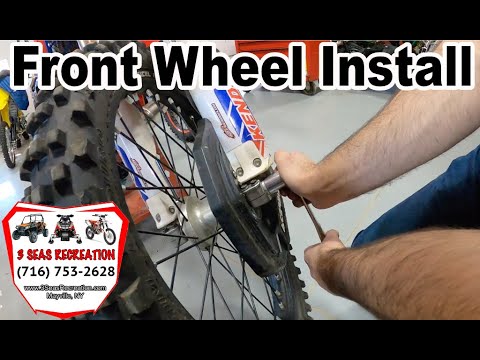
Today, we will go through the instructions to install or replace the front wheel on the Beta RR 300 enduro bike by following these simple steps. First, place your bike on a stand and lift the front wheel off the ground. Next, unscrew the fixing bolts of the front brake caliper to remove it. At this point, unscrew the central axle of the wheel, removing and possibly replacing the tyre. Then, tighten the fork nuts and reassemble everything by reversing the disassembly procedure! by ScegliAuto More videos
|
|
For advertising on this site Write to info@scegliauto.com
ScegliAuto is not responsible for any inaccuracy of the data in the lists. To report any inaccuracy or your business (if you own the business in question), please write to info@scegliauto.com
Number of seconds to generate the page: 0.006
(c) ScegliAuto 2026 - info@scegliauto.com - Privacy policy VAT number: IT01247470535 |
