
|
Do it yourself
| |||
| ||||


Model: Yamaha Mio
In this tutorial, you will see how to replace the remote battery on the Yamaha MIO I 125S scooter, a very simple and quick operation. For this, you will need a small cross-head screwdriver and a replacement CR1632 battery. First, locate the screw on the back of the remote, just above the metal key, then unscrew it and separate the two halves. If necessary, use a thin tool to pry it open. Once opened, remove the old battery, insert the replacement while respecting the polarity, and reassemble the remote.
Updated on 15 July 2026 by ScegliAuto
Video tutorial
Related tutorials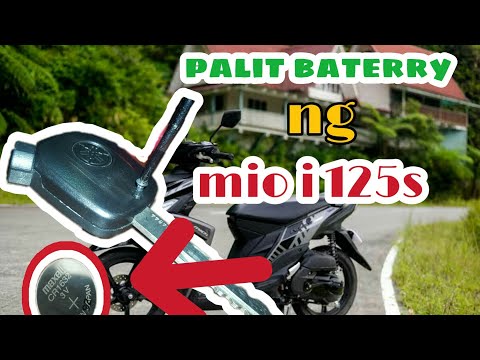
Mio
.. In this tutorial, you can see how to replace the remote battery on the Yamaha MIO I 125S scooter, a very simple and quick operation... …

Mio
For this scooter model, it is recommended to use synthetic 4-stroke oil 10W-40. The oil drain bolt is located at the bottom, specifically on the left…
Mio
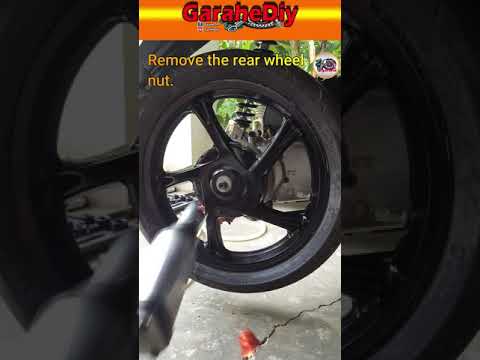
To replace the rear wheel on the Yamaha Mio, loosen the bolts securing the exhaust on the right side of the bike, removing it from its supports and t…
|
How to Service the Piaggio Vespa GTS 300
This brief guide will illustrate the main steps to perform the routine maintenance service on the Piaggio Vespa GTS 300, replacing the engine oil and oil filter. First, place the scooter on the centre stand and start by unscrewing the oil drain bolt found under the engine, allowing it to drain into a container for about ten minutes; then unscrew the oil filter cartridge using the appropriate tool, and hand-tighten the new one. Finally, unscrew the filler cap and top up, filling to the maximum level mark! by ScegliAuto More videos
|
|
For advertising on this site Write to info@scegliauto.com
ScegliAuto is not responsible for any inaccuracy of the data in the lists. To report any inaccuracy or your business (if you own the business in question), please write to info@scegliauto.com
Number of seconds to generate the page: 0.006
(c) ScegliAuto 2026 - info@scegliauto.com - Privacy policy VAT number: IT01247470535 |
