
|
Do it yourself
| |||
| ||||


How to reset the oil light on the X Max 300
Model: Yamaha X Max
Video tutorial
This video tutorial shows the procedure to reset the oil light on the Yamaha X Max. The procedure is very simple and quick. To perform this procedure, first turn on the ignition, then press and hold the reset button located below the speedometer for about 20 seconds. After these 20 seconds, the reset will be successful, and you can restart the instrument panel to check that the reset has occurred successfully and that the light is off. This procedure is necessary after changing the oil, as the control unit does not reset automatically.
Updated on 31 July 2026 by ScegliAuto
Related tutorials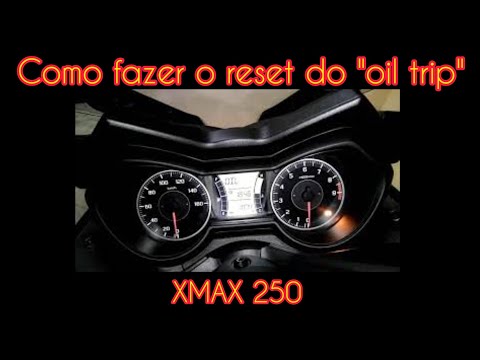
X Max
In this video, we will see how to reset the service on a Yamaha X-Max 250. In this specific case, the YouTuber had the service done at a dealership b…

X Max
This article explains how to reset the oil warning light on the Yamaha X Max 250. The procedure takes less than 1 minute and requires no tools or sof…
X Max
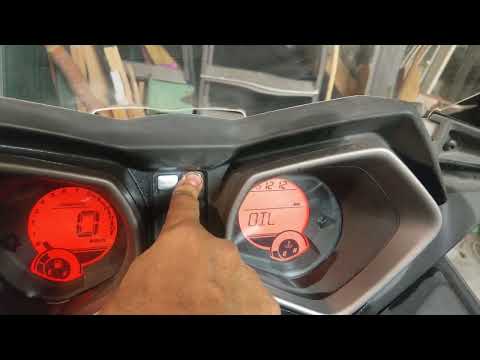
In this video, you can see how to reset the oil light on a Yamaha X-Max 250 scooter. Turn the key and it will immediately show the oil change message…
ScegliAuto offers an extensive international collection of automotive tutorials available in 12 languages. Each guide combines instructional videos with original explanations written by experienced human editors, along with information about the car models covered.
|
How to replace the front headlight on the Triumph Modern Classic?
Replacing the front headlight on the Triumph Modern Classic, as shown in this tutorial, is an extremely simple and quick operation. First, position yourself in front of the headlight, then locate the two bolts on the lower edge and, using a 5mm hex key, unscrew both. Next, separate the headlight from the mount, disconnect the power connector, and remove the large rubber cap. At this point, if necessary, transfer the bulb to the replacement and mount it by simply following the reverse procedure. by ScegliAuto More videos
|
|
For advertising on this site Write to info@scegliauto.com
ScegliAuto is not responsible for any inaccuracy of the data in the lists. To report any inaccuracy or your business (if you own the business in question), please write to info@scegliauto.com
Number of seconds to generate the page: 0.007
(c) ScegliAuto 2026 - info@scegliauto.com - Privacy policy - About us VAT number: IT01247470535 |
