
|
Do it yourself
| |||
| ||||


Yamaha XMax Battery Replacement
Model: Yamaha Xmax 250
Video tutorial
Let's see how to replace the battery of a Yamaha XMax. Using a plastic lever, remove the badge with the logo located between the two headlights and unscrew the underlying Allen bolt. Now, unscrew the two screws with their bushings located on the dashboard at the sides of the two circular instruments. This allows you to slide off the central part of the front shield and reveal the battery compartment: you can proceed with the replacement. For easier access, also remove the speedometer cover and the windscreen by unscrewing the screws on the sides. Disconnect the battery terminals, unscrew the nut of the mounting bracket and detach it, allowing you to slide out the old battery. Position the new battery, ensuring the positive terminal cable passes under the plastic cover, and reassemble all parts in reverse order.
Updated on 17 September 2026 by ScegliAuto
Related tutorials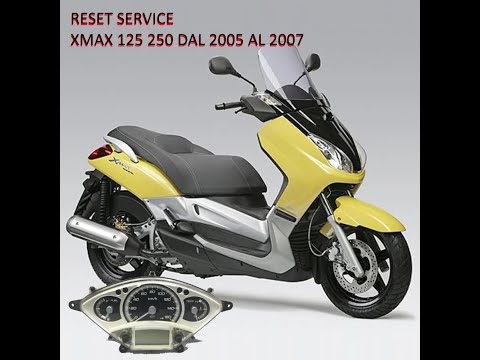
Xmax 250
You can manually reset the service light on the dashboard of your Yamaha XMax 250 without any difficulty, even if you are on your own. Follow the ste…

Xmax 250
Discover the procedure necessary to replace the engine oil and oil filter while performing the routine maintenance service on the Yamaha Xmax 250 sco…

Xmax 250
In this tutorial, you will see how to remove the battery from the Yamaha XMAX 250 scooter, a very simple and quick operation. Before proceeding, ensu…
|
How to Replace the Clutch on a Kymco Downtown 125?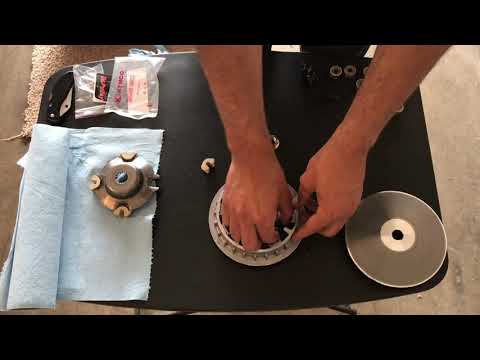
To replace the clutch on the Kymco Downtown 125, loosen the screws that secure the cover located on the left side of the bike, near the rear wheel. Once the screws are loosened, remove the cover to access the components underneath: the clutch at the rear can be removed by unscrewing the fixing screws and sliding out all the discs that make it up. At this point, insert the new replacement part, reposition the drive belt, and cover everything with the cover. by ScegliAuto More videos
|
|
For advertising on this site Write to info@scegliauto.com
ScegliAuto is not responsible for any inaccuracy of the data in the lists. To report any inaccuracy or your business (if you own the business in question), please write to info@scegliauto.com
Number of seconds to generate the page: 0.005
(c) ScegliAuto 2026 - info@scegliauto.com - Privacy policy VAT number: IT01247470535 |
