
|
Do it yourself
| |||
| ||||


Removing the Radio Monitor from an Alfa Romeo Giulietta
Model: Alfa Romeo Giulietta
MK 1
- Years 2010-2020
Open the glove compartment and remove the round plastic cover with a flat-head screwdriver. Unscrew the now exposed screw with a T25 Torx spanner. Once removed, start pulling the panel with your hands, beginning at the edge near the right air vent (the one by the passenger window) and moving gradually towards the steering wheel. Perform this operation with some care. Now unscrew the other four T25 Torx screws located at the corners of the radio, extract it, and disconnect its connectors. Install the new onboard computer by reversing the procedure.
Updated on 1 April 2026 by ScegliAuto
Video tutorial
Related tutorials
Alfa Romeo Giulietta
(2010-2020 /
MK 1)
In this guide, we will see the instructions that will allow us to remove the central plastic cover of the dashboard and the standard radio of the Alf…
Alfa Romeo Giulietta
(2010-2020 /
MK 1)
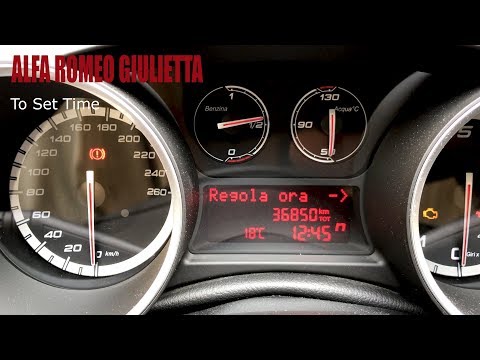
Before you can start, sit in the driver's seat of your Alfa Romeo Giulietta. First, activate the instrument cluster, then press the "Set" button. Nex…
Alfa Romeo Giulietta
(2010-2020 /
MK 1)
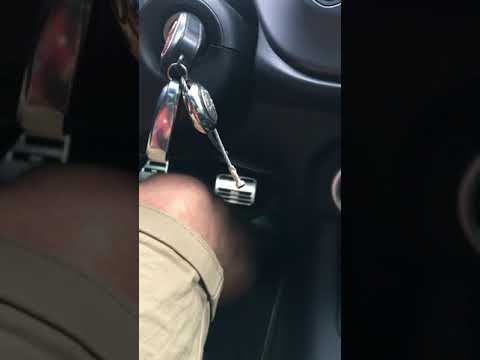
Before starting, sit in the driver's seat of your Alfa Romeo Giulietta. Insert and turn the key in the ignition. Next, press and hold the accelerator…
Other guides you may be interested in
|
How to Open the Fuel Filler Flap on a Hyundai i20?
In this tutorial, you will see how to open the fuel filler flap on a Hyundai i20, a very simple operation similar to that of many vehicles. First, go inside the cabin; it is not necessary to insert the key or unlock all the locks, then locate and operate the lever situated in the lower left area of the cabin, right next to the driver's seat. Once done, exit the vehicle, fully open the flap, and unscrew the fuel cap. To close the flap, simply press it gently until you hear a click. by ScegliAuto More videos
|
|
For advertising on this site Write to info@scegliauto.com
ScegliAuto is not responsible for any inaccuracy of the data in the lists. To report any inaccuracy or your business (if you own the business in question), please write to info@scegliauto.com
Number of seconds to generate the page: 0.123
(c) ScegliAuto 2026 - info@scegliauto.com - Privacy policy VAT number: IT01247470535 |
