
|
Do it yourself
| |||
| ||||


|
Model: Aprilia Rsv4 1000
To set the clock on the Aprilia RSV4 1000, first turn on the instrument panel. Navigate through the menu using the buttons on the left side of the handlebars: select "Dashboard" and then "Clock". This will allow you to adjust the time using the arrow buttons located on the left of the handlebars. Once the correct time is set, you can return to the main screen. Verify that the change has been made correctly, then turn off the panel.
Updated on 10 August 2026 by ScegliAuto
Video tutorial
Related tutorials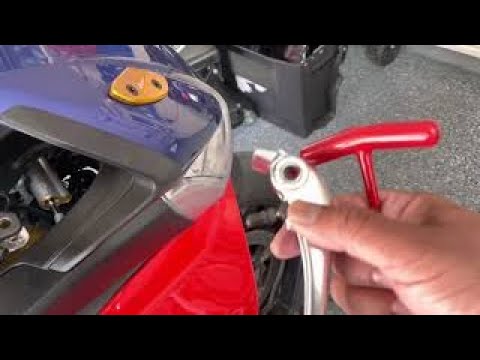
Rsv4 1000
Today's instructions will show you how to remove and replace the front brake lever on the Aprilia RSV4 1000 in simple and quick steps. First, place y…

Rsv4 1000
It will be possible to replace the exhaust of the Aprilia RSV4 1000 by loosening the screws that secure the exhaust terminal to its housing: this wil…

Rsv4 1000
The procedure to reset the Service light on the Aprilia RSV4 1000 involves turning on the motorcycle's instrument panel and then navigating through t…
|
How to Reset the Oil Light on a Honda PCX 160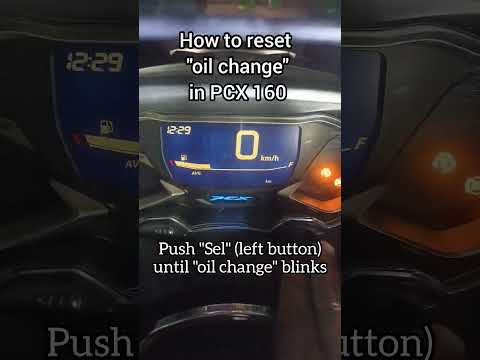
In this mini guide, discover the steps to manually reset the oil light on the central display of your Honda PCX 160. First, turn on the ignition with the key and press both the 'Sel' and 'Set' buttons located below it simultaneously. When the time starts to flash, hold 'Sel' until the oil indicator flashes, then press the 'Set' button once. To complete the reset, hold 'Sel' again until the operation is finished. by ScegliAuto More videos
|
|
For advertising on this site Write to info@scegliauto.com
ScegliAuto is not responsible for any inaccuracy of the data in the lists. To report any inaccuracy or your business (if you own the business in question), please write to info@scegliauto.com
Number of seconds to generate the page: 0.005
(c) ScegliAuto 2026 - info@scegliauto.com - Privacy policy VAT number: IT01247470535 |
