
|
Do it yourself
| |||
| ||||


Model: Aprilia Sr 125
To set the clock on the Aprilia SR 125, turn on the instrument panel by inserting the key into the ignition switch. Once the panel is on, press and hold the button at the top right until the hours start to flash. You can change the hours by repeatedly pressing the same button. Next, press and hold the button at the bottom right until the minutes start to flash. Press the top button to adjust the minutes, then return to the initial screen.
Updated on 21 September 2026 by ScegliAuto
Video tutorial
Related tutorials
Sr 125
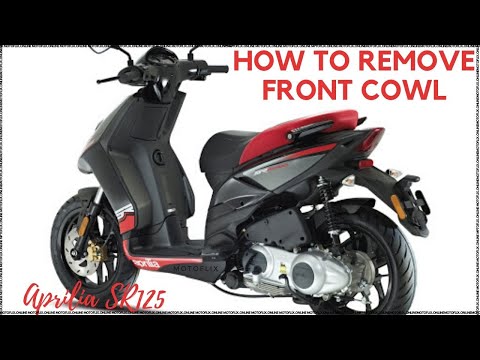
The information provided in this guide will show us how to perform a complete service on the Aprilia SR 125 scooter. First, we put the central stand …
Sr 125
This guide shows you how to dismantle and replace the horn or acoustic warning device on the Aprilia SR 125 scooter, following the instructions below…

Sr 125
In this tutorial, you will see how to reset the service on the Aprilia SR 125 scooter, an extremely simple and quick operation to perform only after …
|
How to Replace the Air Filter on a Harley Davidson Dyna?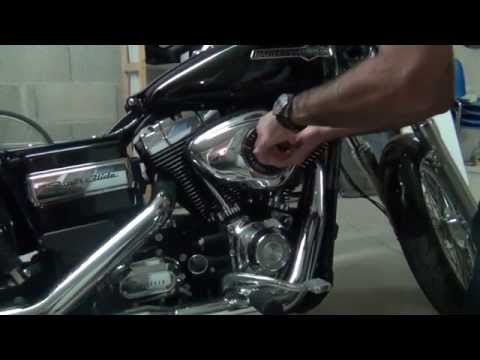
To replace the air filter on a Harley Davidson Dyna, loosen the screws securing the cover located on the right side of the bike, just below the fuel tank. Once the cover is removed, you will locate the filter underneath: it must be removed from its housing by unscrewing the fastening screws and sliding it out from its compartment. After the old filter has been removed, position the new replacement part, securing it in place with the screws and covering everything with the cover. by ScegliAuto More videos
|
|
For advertising on this site Write to info@scegliauto.com
ScegliAuto is not responsible for any inaccuracy of the data in the lists. To report any inaccuracy or your business (if you own the business in question), please write to info@scegliauto.com
Number of seconds to generate the page: 0.005
(c) ScegliAuto 2026 - info@scegliauto.com - Privacy policy VAT number: IT01247470535 |
