
|
Do it yourself
| |||
| ||||


|
Model: Enfield Classic 350
In this tutorial we can see how to reset the service in the Royal Enfield Classic 350, an extremely simple and quick operation. Before proceeding, it will be necessary to complete all the scheduled maintenance operations. Let's start by inserting the key and turning on the instrument panel, then we reach the mileage count "Trip 2" using the button on the left handlebar. Then we turn off the instrument panel, hold down the same button for 10 seconds and, keeping it in position, turn on the instrument panel again. At this point, we wait for the icon depicting a wrench to disappear.
Posted on 28 April 2024 by ScegliAuto
Video tutorial
Related tutorials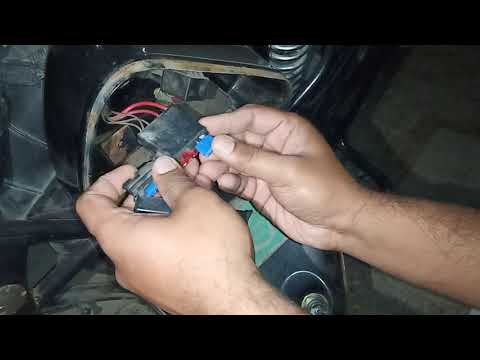
Classic 350
In this guide for Royal Enfield Classic 350 owners, we will discover where all the various fuses are located. First, ensure the motorcycle is complet…

Classic 350
The battery installed on the Royal Enfield Classic 350 can be reset by opening the cover located on the right side of the motorcycle, near the seat. …
Classic 350
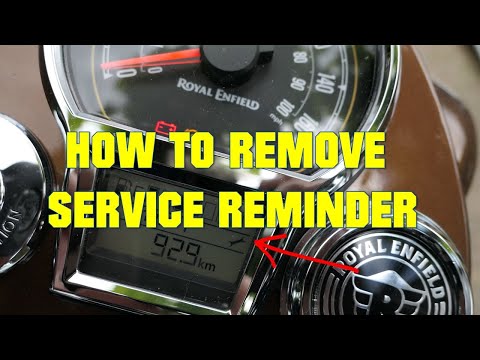
Today, we will cover the steps to reset the service light for the regular maintenance oil change on the Royal Enfield Classic 350. First, place your …
|
How to Replace and Install the Front Wheel on a Beta RR 300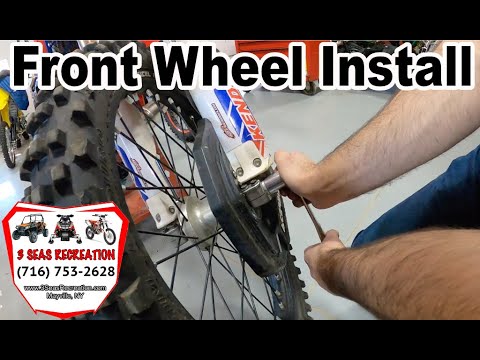
Today, we will go through the instructions to install or replace the front wheel on the Beta RR 300 enduro bike by following these simple steps. First, place your bike on a stand and lift the front wheel off the ground. Next, unscrew the fixing bolts of the front brake caliper to remove it. At this point, unscrew the central axle of the wheel, removing and possibly replacing the tyre. Then, tighten the fork nuts and reassemble everything by reversing the disassembly procedure! by ScegliAuto More videos
|
|
For advertising on this site Write to info@scegliauto.com
ScegliAuto is not responsible for any inaccuracy of the data in the lists. To report any inaccuracy or your business (if you own the business in question), please write to info@scegliauto.com
Number of seconds to generate the page: 0.007
(c) ScegliAuto 2026 - info@scegliauto.com - Privacy policy VAT number: IT01247470535 |
