
|
Do it yourself
| |||
| ||||


Video tutorial
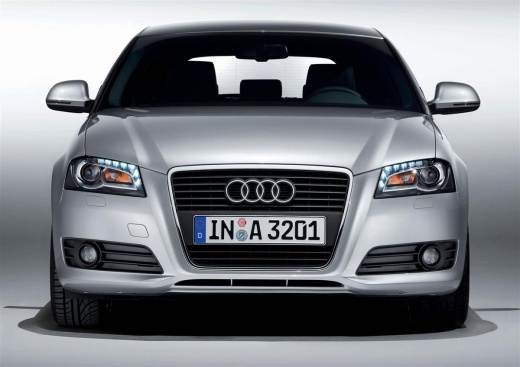
In this video, we see how to change the time on the clock of the Audi A3/RS3 version 8P: we turn on the dashboard and then press the button located at the bottom of the lever to the right of the steering wheel, with which we will scroll through the various options on the display. When we reach the screen where there is the "settings" option, we select it. In the submenu that opens, we will find the clock as the first option. We immediately enter editing mode, starting with the time: we then choose whether we are interested in the 12 or 24-hour format and then move on to modify the date: here too we can choose the format. To confirm, just go back.
Posted on 6 July 2025 by ScegliAuto
Related tutorials
Audi A3
(2020-2026 /
MK 4, 8Y)
The car presented in this video is an Audi RS3, which is the most powerful version of the Audi A3. Not only in this car, but also in other vehicles o…

Audi A3
(2012-2019 /
8V, MK 3)
In this tutorial we can see how to reset the tire pressure warning light in the Audi RS3, an extremely simple and quick operation, to be carried out …
Audi A3
(2012-2019 /
8V, MK 3)
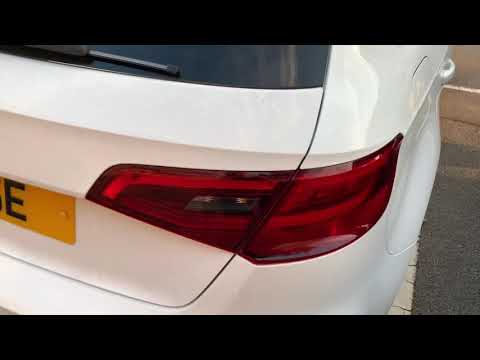
This guide shows how to remove the rear light on an Audi A3, both in S3 and RS3 versions. The first operation is to open the boot and remove the trim…
Other guides you may be interested in
|
How to Activate the Automatic Folding and Unfolding of the Wing Mirrors on the Jeep Compass
Follow these brief instructions to activate the automatic folding and unfolding of the external wing mirrors on the Jeep Compass. First, get inside the vehicle and turn on the ignition; then press the button located beneath the mirror glass adjustment to electrically open the mirror, as shown in the video. Pressing the button in the opposite direction will close the mirrors; by holding the button, the mirrors will open and close automatically! by ScegliAuto More videos
|
|
For advertising on this site Write to info@scegliauto.com
ScegliAuto is not responsible for any inaccuracy of the data in the lists. To report any inaccuracy or your business (if you own the business in question), please write to info@scegliauto.com
Number of seconds to generate the page: 0.067
(c) ScegliAuto 2026 - info@scegliauto.com - Privacy policy VAT number: IT01247470535 |
