
|
Do it yourself
| |||
| ||||


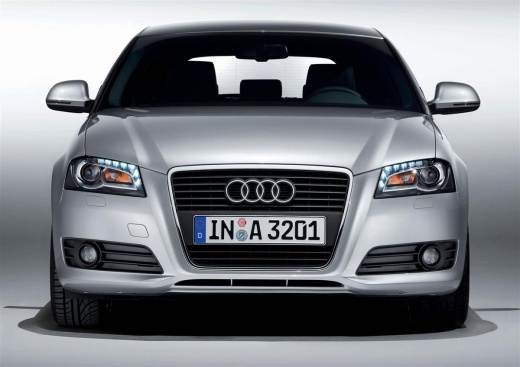
How to synchronize the air conditioning system of the Audi A3
Model: Audi A3
8P, MK 2
- Years:
2003, 2004, 2005, 2006, 2007, 2008, 2009, 2010, 2011, 2012, 2013
Video tutorial
The air conditioning system of the Audi A3 model 8P allows for independent use of the air conditioning; in fact, by turning the knobs, it is possible to have two different climates on both the left and right sides. However, by holding down the AUTO button located between the knobs for a few seconds, both readings are linked together. When the temperature is changed on the driver's side, it also changes on the passenger side until adjustments are made using the passenger side knob. To return to the independent air conditioning option, simply press the AUTO button.
Posted on 21 January 2026 by ScegliAuto
Related tutorials
Audi A3
(2003-2013 /
8P, MK 2)
This video demonstrates how to synchronise the zones of the Climatronic system in the Audi A3 8P, allowing you to control the temperature on both sid…

Audi A3
(2003-2013 /
8P, MK 2)
These brief and simple steps will show you how to remove and replace the climate control panel on an Audi A3. First, get into the vehicle and start b…
Audi A3
(2003-2013 /
8P, MK 2)
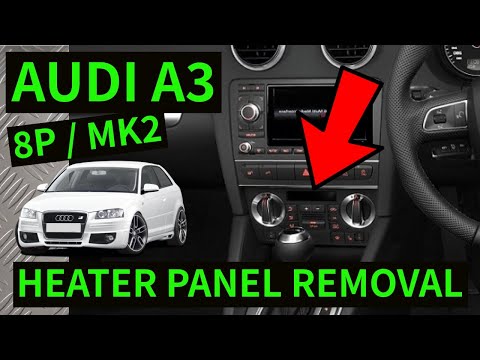
To remove the climate control buttons from the Audi A3, use a tool to lever off the plastic cover surrounding the hazard light button, located above …
Other guides you may be interested in
|
How to Reset the Tyre Pressure Warning Light on the Jeep Renegade?
To reset the tyre pressure warning light on the Jeep Renegade, inflate the tyres until they reach the recommended pressure: this value is indicated on the sticker attached to the driver’s door pillar. Once the tyres are properly inflated, navigate through the menu that appears on the instrument cluster until you find the tyre pressure option. At this point, press and hold the OK button on the right side of the steering wheel to make the warning light disappear. by ScegliAuto More videos
|
|
For advertising on this site Write to info@scegliauto.com
ScegliAuto is not responsible for any inaccuracy of the data in the lists. To report any inaccuracy or your business (if you own the business in question), please write to info@scegliauto.com
Number of seconds to generate the page: 0.014
(c) ScegliAuto 2026 - info@scegliauto.com - Privacy policy VAT number: IT01247470535 |
