
|
Do it yourself
| |||
| ||||


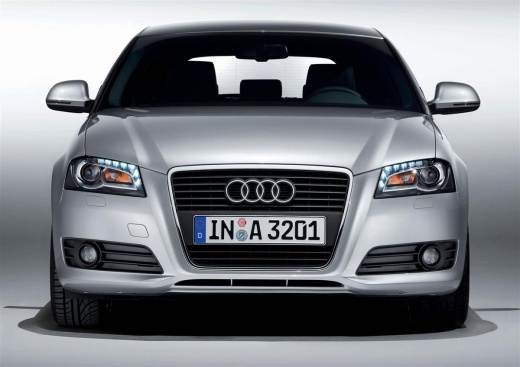
Removing the Rear Light on Audi A3
Model: Audi A3
8P, MK 2
- Years:
2003, 2004, 2005, 2006, 2007, 2008, 2009, 2010, 2011, 2012, 2013
This video is currently unavailable
Open the boot and observe the side area of the trim behind the rear light in question. You will notice a small round cover that you can remove by prying it with a small flat screwdriver. Once done, unscrew the now exposed screw. That's it! Just do this and the light will come out of its housing. Disconnect the connector to have the light completely free. This way, you can position it wherever you want and open the housing containing the bulbs, accessing from the inside of the light. Replace the burnt-out bulb and reassemble everything in reverse order.
Updated on 8 April 2026 by ScegliAuto
Related tutorials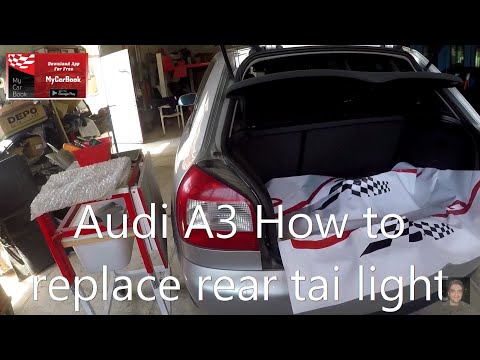
Audi A3
(1996-2003 /
MK 1, 8L)
This guide covers the removal of the rear light on an Audi A3. Remove the various covers to access the rear light. Lift the boot, open the plastic in…
Audi A3
(2003-2013 /
8P, MK 2)
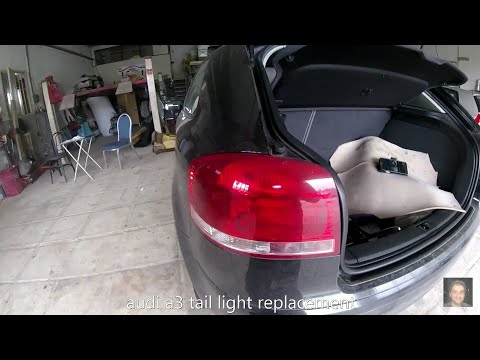
How do you replace a rear headlight bulb on an Audi A3? Let's see how to proceed in this video. This is a very simple operation; open the boot and ca…
Audi A3
(2003-2013 /
8P, MK 2)
Today, in this brief guide, follow the main steps to remove and replace the rear light of the Audi A3. First, open the boot lid and start by unscrewi…
Other guides you may be interested in |
How to Reset the Tyre Pressure Warning Light on the Jeep Renegade?
To reset the tyre pressure warning light on the Jeep Renegade, inflate the tyres until they reach the recommended pressure: this value is indicated on the sticker attached to the driver’s door pillar. Once the tyres are properly inflated, navigate through the menu that appears on the instrument cluster until you find the tyre pressure option. At this point, press and hold the OK button on the right side of the steering wheel to make the warning light disappear. by ScegliAuto More videos
|
|
For advertising on this site Write to info@scegliauto.com
ScegliAuto is not responsible for any inaccuracy of the data in the lists. To report any inaccuracy or your business (if you own the business in question), please write to info@scegliauto.com
Number of seconds to generate the page: 0.012
(c) ScegliAuto 2026 - info@scegliauto.com - Privacy policy VAT number: IT01247470535 |
