
|
Do it yourself
| |||
| ||||


|
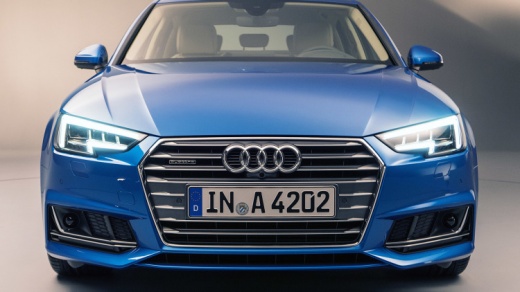
The guide shows you how to set the time on the Audi A4. Turn on the instrument panel of the car and press the â € œCARâ € button on the car radio to enter the car interior menu: the list of the various editable tabs will open. With the top left button, of the four present around the central knob, select the page relating to setting the time. Select the setting to be modified with the central button of the knob and turn the knob to set the time. Exit the menu to complete the time setting operation.
Posted on 9 November 2021 by ScegliAuto
Video tutorial
Related tutorials
Audi A4
(2004-2008 /
B7)
Below are the necessary instructions that will allow us to adjust the time on the small display of the instrument panel of the Audi A4. First, we get…

Audi A4
(2007-2016 /
B8)
Adjusting the time on a 2011 Audi A4 vehicle is a simple and quick operation that can be done independently. To adjust the clock on the display, we n…

Audi A4
(2007-2016 /
B8)
In this tutorial we can see how to adjust the time in the Audi A4, an extremely simple and quick operation, to be performed for example after changin…
Other guides you may be interested in |
How to Pair Smartphone with Bluetooth System on Fiat Tipo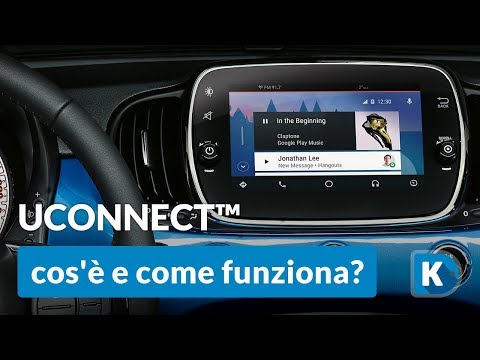
Here’s how to pair your smartphone with the Bluetooth system of the Fiat Tipo's car radio: activate the Bluetooth on your smartphone and set the car radio to connect with the external device. When the car's multimedia system detects your smartphone's Bluetooth, confirm and click on the 'new cell' option. Once the system has detected the smartphone, enter the pairing password if necessary. Finally, download the app on your smartphone and confirm the pairing with the car's multimedia system. Now your smartphone is connected to your car. by ScegliAuto More videos
|
|
For advertising on this site Write to info@scegliauto.com
ScegliAuto is not responsible for any inaccuracy of the data in the lists. To report any inaccuracy or your business (if you own the business in question), please write to info@scegliauto.com
Number of seconds to generate the page: 0.053
(c) ScegliAuto 2026 - info@scegliauto.com - Privacy policy VAT number: IT01247470535 |
