
|
Do it yourself
| |||
| ||||


Check Error Codes with Compatible Diagnostics
Model: Audi A4
B8
- Years 2007-2016
All cars, which we once would have called modern, but in reality the OBD protocol has existed for some time, allow you to query various control units and check their operational status through the OBDII diagnostic port and appropriate diagnostic tools. In this way, in addition to reading and possibly clearing error codes, it is possible to check operational parameters and also perform some resets (such as the SERVICE reset). In the past, all of this was exclusive to dealerships as diagnostic equipment capable of performing the described tasks was not available on the market, but now it is possible to find diagnostics that are actually equivalent to the official ones: you just need to search well.
Updated on 10 February 2026 by ScegliAuto
Video tutorial
Related tutorials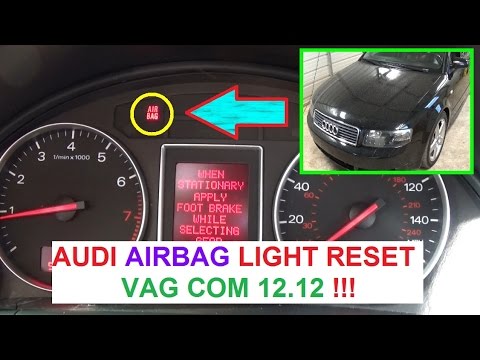
Audi A4
(2000-2004 /
B6)
If the airbag malfunction light remains on in the instrument cluster, perform a code reading with a diagnostic tool to investigate the nature of the …

Audi A4
(2014-2024 /
B9)
When an error occurs with the SOS service on a 2020 Audi A4, it is necessary to replace the fuse related to it. To perform this replacement, we need …
Audi A4
(2000-2004 /
B6)
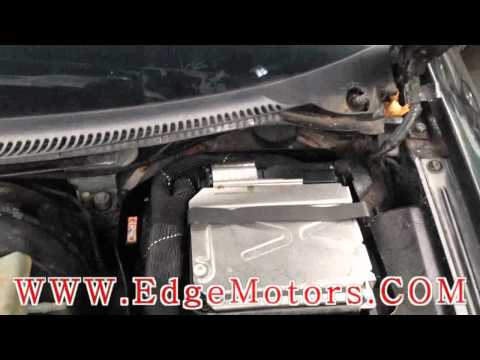
Technology has advanced significantly: we can understand the origin of a fault using modern diagnostic testers (provided by manufacturers, generally …
Other guides you may be interested in
|
How to Remove the Centre Console on a Renault Scenic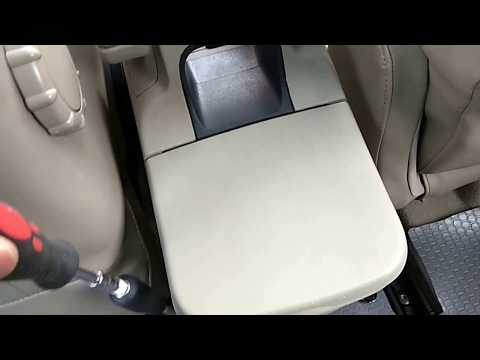
Watch this video to learn how to remove the glove compartment from the rear cover of the centre console on a Renault Scenic. Use a plastic lever to pry at the edge of the side plastics as shown in the video. Once the plastics are removed, unscrew the screws located at the sides of the centre console with a suitable screwdriver, and disconnect all the power connectors. Remove the side rests from the glove compartment. Fit the new piece onto the centre cover and proceed with the assembly of the remaining parts, working in reverse order. by ScegliAuto More videos
|

|
For advertising on this site Write to info@scegliauto.com
ScegliAuto is not responsible for any inaccuracy of the data in the lists. To report any inaccuracy or your business (if you own the business in question), please write to info@scegliauto.com
Number of seconds to generate the page: 0.045
(c) ScegliAuto 2026 - info@scegliauto.com - Privacy policy VAT number: IT01247470535 |
