
|
Do it yourself
| |||
| ||||


How to open the doors with a flat battery on the Audi A6
Model: Audi A6
C8, MK 5
- Years 2018-2026
Let's see in this short and simple guide how to open the doors of the Audi A6 in an emergency, when the remote control battery is flat. To open the car it is necessary to take our remote control and access the physical key; then we remove the small plastic cap that we find on the external handle, leveraging the hole that we find on the lower part, as shown in the video. At this point we are going to insert the key in the lock cylinder, thus turning and opening the car; we then replace the remote control battery to restore its operation!
Posted on 19 October 2022 by ScegliAuto
Video tutorial
Related tutorials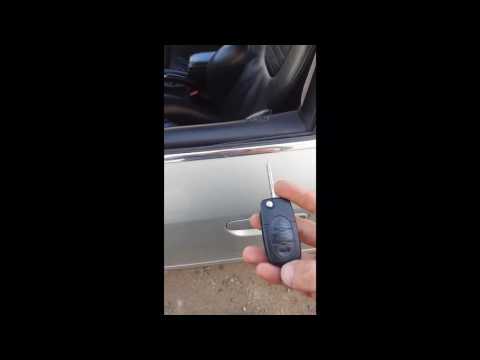
Audi A6
(1997-2004 /
MK 2, C5)
In this video tutorial we will see how to program the remote control for opening and closing the doors on the Audi A6 C5, but also on the Audi A4 B6.…
Audi A6
(2011-2018 /
C7, MK 4)
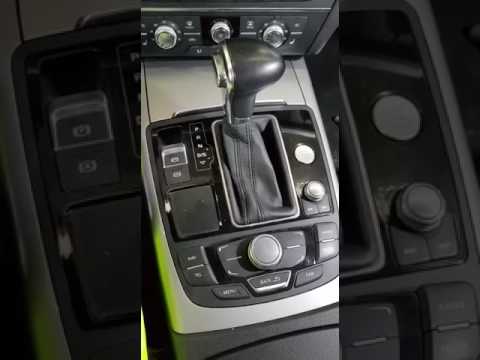
In this tutorial we can see how to unlock the automatic transmission of the Audi A6, a very simple operation, to be carried out for example in an eme…

Audi A6
(2018-2026 /
C8, MK 5)
Unlike many cars, the Audi A6 model C8 places its battery inside the trunk, specifically on the side. To access the battery in case of malfunction or…
Other guides you may be interested in
|
How to Replace the Cabin Fan Resistor on a BMW 3 Series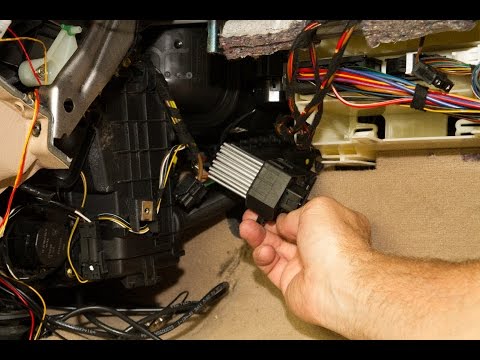
How to Replace the Cabin Fan Resistor on a BMW 3 Series. Open the door and remove the plastic cover under the dashboard on the right side. Use a trim tool to pry off the cover next to the dashboard. Get a screwdriver or a cordless drill, open the glove compartment, and unscrew the fastening screws around the perimeter with a screwdriver. Once this is done, pull out the glove compartment and disconnect the power cables. Remove the fan resistor from its housing, insert the new part into the filter holder, and reassemble all the components of the glove compartment as you disassembled them earlier. by ScegliAuto More videos
|
|
For advertising on this site Write to info@scegliauto.com
ScegliAuto is not responsible for any inaccuracy of the data in the lists. To report any inaccuracy or your business (if you own the business in question), please write to info@scegliauto.com
Number of seconds to generate the page: 0.138
(c) ScegliAuto 2026 - info@scegliauto.com - Privacy policy VAT number: IT01247470535 |
