
|
Do it yourself
| |||
| ||||


How to reset the multimedia system on the Audi A4?
Model: Audi A4
B8
- Years 2007-2016
In the Audi A4, it can happen that the multimedia system shows signs of malfunction, such as continuous blocks. In this case, we can try to solve the problem by performing a system reset, let's see how to proceed in this tutorial. First of all, let's go inside the cabin, then insert the key and turn on the instrument panel. Next, press and hold the "SETUP" button, the central knob, and the upper right arrow and keep them in position for a couple of seconds. Finally, wait for the system to restart and check that the issues are resolved.
Posted on 22 February 2024 by ScegliAuto
Video tutorial
Related tutorials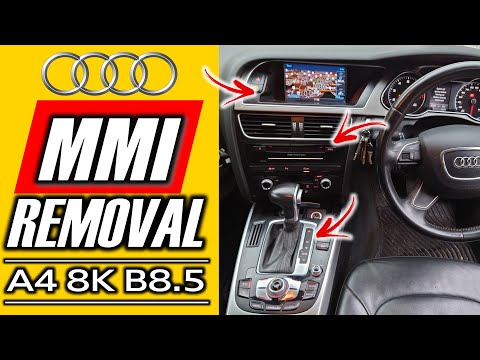
Audi A4
(2007-2016 /
B8)
Today's instructions will show us how to disassemble and replace the MMI multimedia system of the Audi A4, following these simple steps. First, we op…
Audi A4
(2007-2016 /
B8)
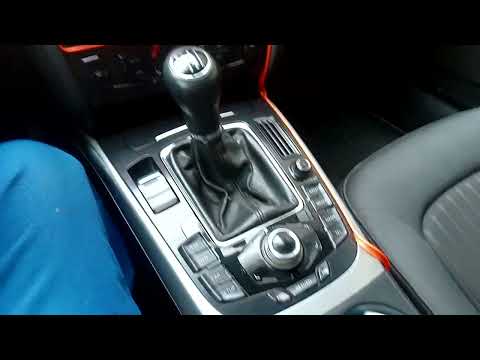
In the Audi A4, it can happen that the MMI multimedia system shows signs of malfunction, such as continuous freezing or connection problems. In these…

Audi A4
(2014-2024 /
B9)
In this guide, we will see information on how to restore the operation of the SOS system of the Audi A4. The emergency call SOS system is now availab…
Other guides you may be interested in
|
How to Remove the Original Radio from a Renault Trafic
How to remove the original radio from a Renault Trafic? Follow this video closely to perform the removal: use the original or aftermarket metal keys to detach the stereo, insert the keys into the holes on the plastic cover of the stereo, pull the stereo towards you as shown in the video, and extract the radio while being careful of the various wiring (disconnect the power connectors and the antenna cable). Finally, reinstall the original radio or a generic brand with the appropriate adapter for the input and connector. by ScegliAuto More videos
|

|
For advertising on this site Write to info@scegliauto.com
ScegliAuto is not responsible for any inaccuracy of the data in the lists. To report any inaccuracy or your business (if you own the business in question), please write to info@scegliauto.com
Number of seconds to generate the page: 0.094
(c) ScegliAuto 2026 - info@scegliauto.com - Privacy policy VAT number: IT01247470535 |
