
|
Do it yourself
| |||
| ||||


How to program the remote control of the Audi A3
Today's main instructions will show us how to program the key remote of the Audi A3, as in the case of a newly replaced battery. First, we take our remote control and start pressing the door unlock button; then we insert the key within thirty seconds and press the door lock button, as shown in the video. At this point, we reinsert the key into the door lock cylinder and press the door unlock and lock buttons, completing the remote control programming!
Posted on 29 February 2024 by ScegliAuto
Video tutorial
Related tutorials
Audi A3
(2003-2013 /
MK 2, 8P)
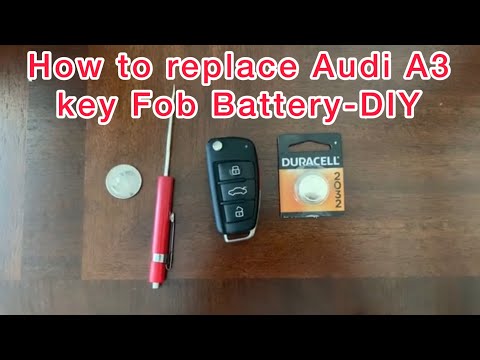
Today we will explain how to replace the battery of the RS model remote control for the Audi A3. The battery we will use is a CR 2032. Pull up the to…
Audi A3
(2012-2019 /
MK 3, 8V)
In order to replace the battery of the Audi A3 remote control, you have to lift the cover on the rear part of the remote control, which is located im…

Audi A3
(2003-2013 /
MK 2, 8P)
In order to replace the battery of the Audi A3 remote control, you need to use an object that acts as a lever, such as a flat screwdriver, to pry int…
Other guides you may be interested in
|
How to Replace the Gear Shift Gaiter of the Honda CR-V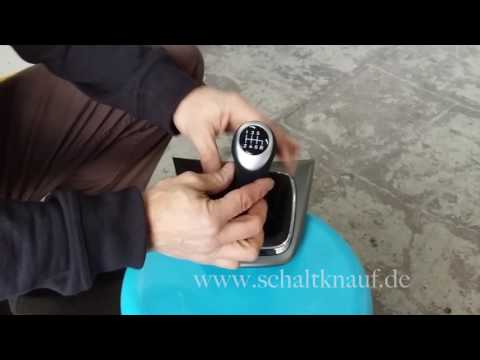
You can purchase an aftermarket gear shift cover complete with a knob, made of leather with coloured stitching. The disassembly is quite straightforward: start by unscrewing the gear shift knob by twisting it. Next, detach the trim at the base of the gear lever by prying along the edges. Then, remove the chrome trim that holds the gaiter in place, peeling off the leather edges from the plastic support. Apply new double-sided adhesive to the plastic tabs to insert and stick the edges of the new gaiter, securing it with the chrome trim. Finally, fit the gaiter complete with the knob onto the gear lever, securing it with the appropriate screws and reattaching the trim to the tunnel support. by ScegliAuto More videos
|

|
For advertising on this site Write to info@scegliauto.com
ScegliAuto is not responsible for any inaccuracy of the data in the lists. To report any inaccuracy or your business (if you own the business in question), please write to info@scegliauto.com
Number of seconds to generate the page: 0.125
(c) ScegliAuto 2026 - info@scegliauto.com - Privacy policy VAT number: IT01247470535 |
