
|
Do it yourself
| |||
| ||||


Model: Beta Rr S 125
Start the engine and let it run for a few minutes to warm up the oil. This will make it less viscous and allow it to drain more quickly. Unscrew the lower bolt that acts as a plug for the drain hole and collect the used oil in a container. Immediately unscrew the upper filler hole to prevent a vacuum and aid drainage through air circulation. Meanwhile, unscrew the oil filter and fit the new one you purchased, remembering to lubricate the O-ring before installation. Measure the amount of oil drained and refill the same amount through the upper hole.
Updated on 23 April 2026 by ScegliAuto
Video tutorial
Related tutorials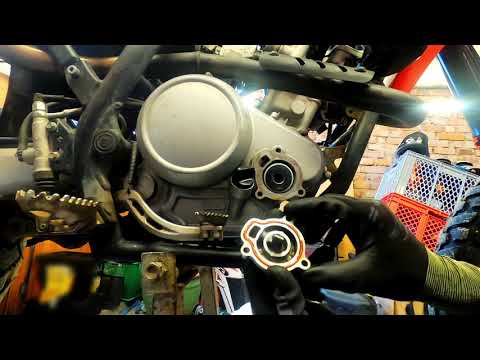
Rr 125 Lc
In this short video, you will see the steps to change the oil and oil filter while performing the regular maintenance service on a Beta RR 125 LC end…

Rr 125 Lc
How do you maintain your motorcycle? Let’s see the engine oil and filter change on a Beta RR 125 LC. Position the motorcycle on a centre stand; remov…
Rr 125 Lc
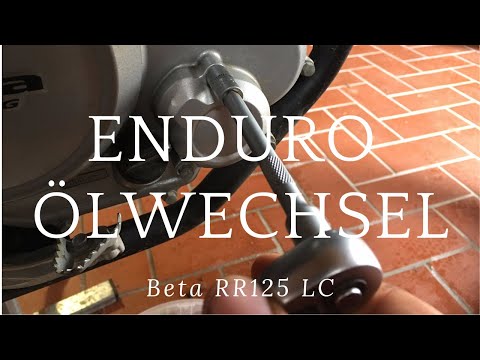
In this video tutorial, you will learn how to perform the routine maintenance oil change on a Beta RR 125 LC by following these simple steps. First, …
|
How to Replace the Battery in a Yamaha Vino 125 Scooter?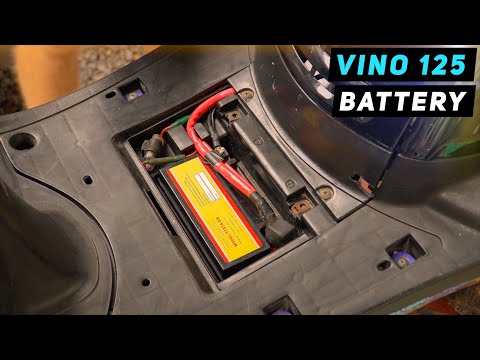
In this tutorial, you will see how to replace the battery in a Yamaha Vino 125 scooter, a very simple and quick operation. First, ensure that the key is not inserted for safety. Then, lift the rubber mat and, using a simple cross-head screwdriver, unscrew the two screws securing the plastic cover. Once opened, disconnect both terminals, starting with the negative, and remove the battery from its housing. To fit the replacement, simply follow the reverse procedure. by ScegliAuto More videos
|
|
For advertising on this site Write to info@scegliauto.com
ScegliAuto is not responsible for any inaccuracy of the data in the lists. To report any inaccuracy or your business (if you own the business in question), please write to info@scegliauto.com
Number of seconds to generate the page: 0.119
(c) ScegliAuto 2026 - info@scegliauto.com - Privacy policy VAT number: IT01247470535 |
