
|
Do it yourself
| |||
| ||||


Model: Beta Xtrainer
To replace the clutch on a Beta XTrainer, it is advisable to lay the bike on its side, as shown in the video. Next, using a pneumatic gun or a socket wrench, open the clutch cover by loosening all the bolts that secure the cover. Once the cover has been removed, you can slide out the clutch discs after removing the spring pins that hold them together. Once the old discs are removed, you can insert the new ones, which should be secured with the respective spring pins. Finally, reinstall the clutch cover.
Updated on 24 April 2026 by ScegliAuto
Video tutorial
Related tutorials
Xtrainer
In order to replace the clutch of the Beta Xtrainer, you need to loosen the screws that secure the casing located on the right side of the bike, in t…
Xtrainer
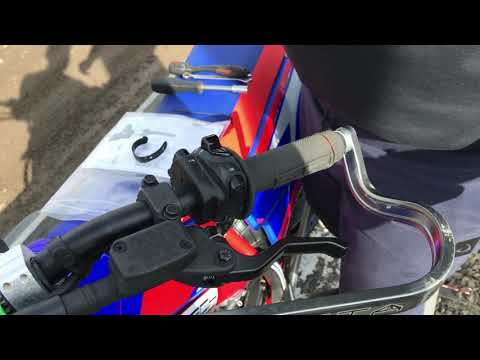
To replace the clutch lever on the Beta XTrainer, loosen the screw located at the top of the lever, which also acts as a pivot. Once this screw is re…
Xtrainer
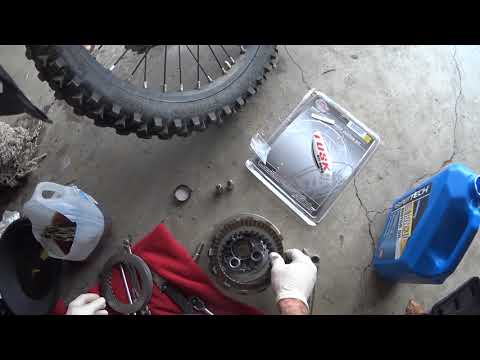
To replace the clutch on the Beta XTrainer, you need to loosen all the screws that secure the clutch protection cover. This is located on the right s…
|
How to Replace the Air Filter on a Honda XL1000 Varadero?
In this tutorial, you will see how to replace the air filter on a Honda XL1000 Varadero, a very simple operation. First, remove the seat, then unscrew the two rear mounting bolts of the tank, the two front ones, and the remaining ones located on the sides. Once done, close the two fuel taps, disconnect the rubber hose, and lift the tank. At this point, you will have access to the filter box, which can be opened by removing the 8 screws around the perimeter. Once the filter is replaced, reassemble everything by following the reverse procedure. by ScegliAuto More videos
|
|
For advertising on this site Write to info@scegliauto.com
ScegliAuto is not responsible for any inaccuracy of the data in the lists. To report any inaccuracy or your business (if you own the business in question), please write to info@scegliauto.com
Number of seconds to generate the page: 0.734
(c) ScegliAuto 2026 - info@scegliauto.com - Privacy policy VAT number: IT01247470535 |
