
|
Do it yourself
| |||
| ||||


Model: Bmw S1000 Rr
In this tutorial, you will see how to reset the Quick Shifter on the BMW S 1000 RR, an extremely simple and quick operation. For this, you will need the device shown in the video and the corresponding app to install on a laptop. First, connect the device to the OBD port accessible by removing the seat, then connect it to the laptop and select the correct model in the app. Next, go to 'Engine Controller', 'Service functions', 'BMSX Adaptations', 'Reset transmission', and confirm your choice. At this point, simply disconnect the device, start the engine, and with the rear wheel raised on a stand, engage all gears from first to sixth, waiting 10 seconds at each shift.
Posted on 21 July 2026 by ScegliAuto
Video tutorial
Related tutorials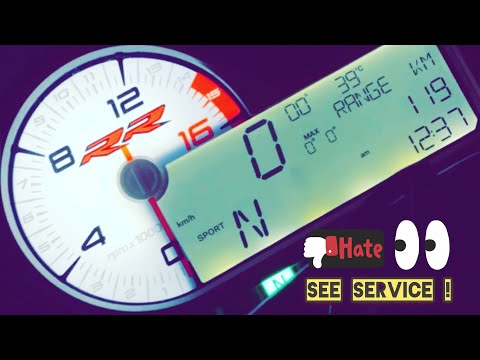
S1000 Rr
To reset the Service light on the BMW S1000 RR, connect a diagnostic tool to the OBD port of the motorcycle: the OBD port is located at the rear, nea…
S1000 Rr
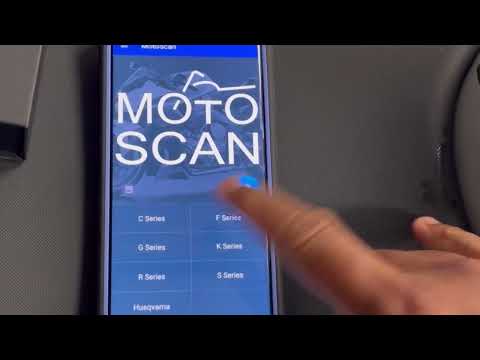
Learn how to reset maintenance intervals on BMW motorbikes: you will need an OBD reader, a device that can also be useful for your car and costs only…
S1000 Rr
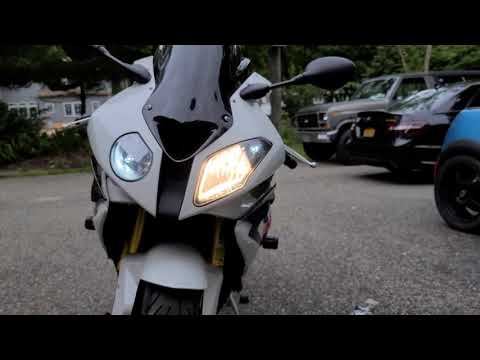
This brief guide outlines the steps to remove and replace the front headlight bulb on the BMW S1000 RR motorcycle, following the instructions below. …
|
How to Replace the Front Brake Pads on a Peugeot Elyseo 125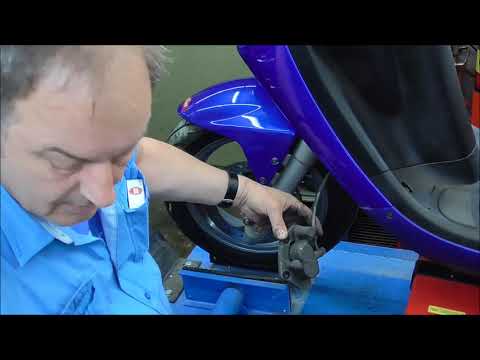
This guide briefly explains how to remove and replace the front brake pads on the Peugeot Elyseo 125 scooter. First, place your scooter on the centre stand and start unscrewing the bolts securing the front brake caliper to remove it from the disc; then, apply pressure to the caliper piston and clean it from any residual dirt, as shown in the video. At this point, remove and replace the brake pads with new, high-quality ones, installing them in the correct orientation and then refitting the brake caliper! by ScegliAuto More videos
|
|
For advertising on this site Write to info@scegliauto.com
ScegliAuto is not responsible for any inaccuracy of the data in the lists. To report any inaccuracy or your business (if you own the business in question), please write to info@scegliauto.com
Number of seconds to generate the page: 0.006
(c) ScegliAuto 2026 - info@scegliauto.com - Privacy policy VAT number: IT01247470535 |
