
|
Do it yourself
| |||
| ||||


How do you delete the service notification on a 2008 BMW X3?
Model: BMW X3
E83, MK 1
- Years 2003-2010
For turning off the service light of the 2008 BMW X3, if you need it after having performed all the scheduled maintenance works for that specific mileage reached, you can watch the video guide provided here. It is an easy and quick procedure, so let's put it into practice: turn on the instrument panel, press and hold the button in the instrument panel below the odometer, as shown in the images, and wait for the voice Reset to appear on the onboard computer, flash and turn off, setting the next mileage deadline for the service.
Posted on 3 October 2025 by ScegliAuto
Video tutorial
Related tutorials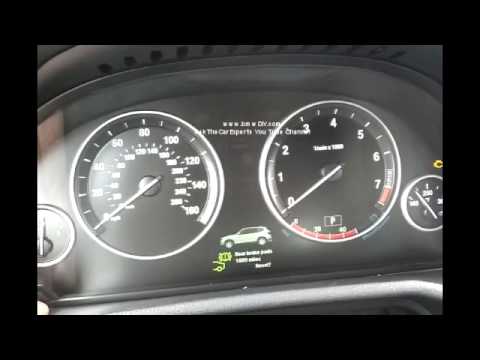
BMW X3
(2010-2017 /
F25, MK 2)
Let's see in this video how to reset the expired service notice in the second series of the BMW X3, abbreviation F25. This warning comes on to alert …

BMW X3
(2010-2017 /
F25, MK 2)
These short and simple instructions will show us how to reset the maintenance service light for the regular oil change of the BMW X3. First of all, w…
BMW X3
(2003-2010 /
E83, MK 1)
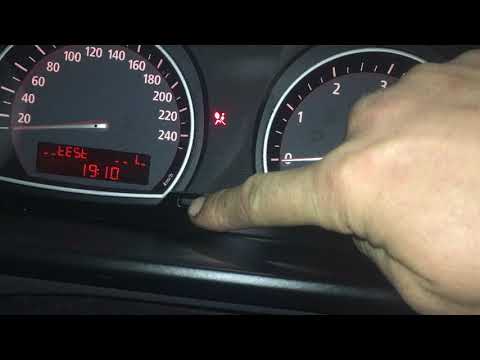
Reset the BMW X3 service warning light? Let's see how it goes. We turn on the control panel and press the button above the instrument panel of the ca…
Other guides you may be interested in
|
How to Adjust the Handbrake on VW Polo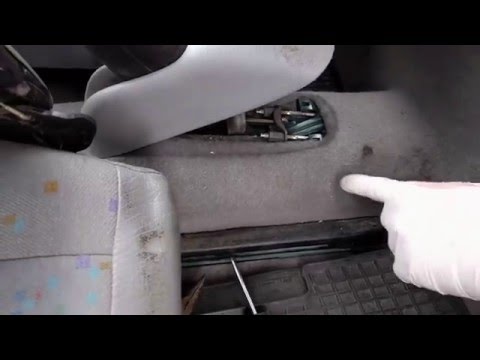
If pulling the handbrake lever results in a long travel distance, significantly exceeding the usual 4 to 5 clicks, it means you need to adjust the travel to compensate for cable slack and wear on the shoes. This is a manual operation carried out using the adjustment nuts located at the base of the handbrake lever. Release and lift the plastic cover at the base of the lever to access the cables (one for each shoe) and their respective adjusters. First, loosen the lock nut and tighten the nut to pull the cable until the lever achieves a travel of 4 to 5 clicks. by ScegliAuto More videos
|

|
For advertising on this site Write to info@scegliauto.com
ScegliAuto is not responsible for any inaccuracy of the data in the lists. To report any inaccuracy or your business (if you own the business in question), please write to info@scegliauto.com
Number of seconds to generate the page: 0.053
(c) ScegliAuto 2026 - info@scegliauto.com - Privacy policy VAT number: IT01247470535 |
