
|
Do it yourself
| |||
| ||||


How to Set the Time in a BMW 3 Series
Model: BMW Serie 3
E46
- Years:
1998, 1999, 2000, 2001, 2002, 2003, 2004, 2005, 2006
Video tutorial
To set the time in a BMW 3 Series E46, turn on the instrument cluster and locate the button or dial for the onboard computer near the dashboard or the iDrive control, if equipped. Press the "Menu" button or turn the dial to enter the "Clock Settings" menu. Select the option to adjust the hours and minutes. Use the dial or arrow buttons to change the hours and minutes to your desired format (12 or 24 hours). Confirm the changes by pressing the confirmation button again or turning the dial. Check the display to ensure the time shown is correct.
Posted on 24 October 2026 by ScegliAuto
Related tutorials
BMW Serie 3
(1998-2006 /
E46)
Daylight saving time has now come to an end but it seems to not want to leave our cars, today we will explain how to adjust the clock on the instrume…
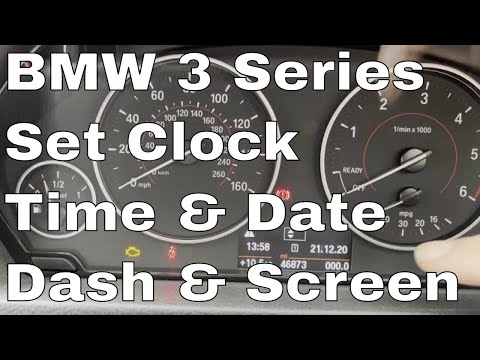
BMW Serie 3
(2012-2019 /
F30, F31)
.. In this tutorial, you will see how to set the time in a BMW 3 Series, a very simple and quick operation to perform, for example, after.. …
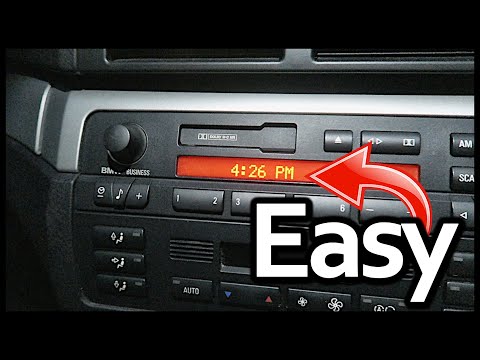
BMW Serie 3
(1998-2006 /
E46)
.. In this tutorial, you will learn how to set the time in a BMW 3 Series E46. This is a very simple and quick operation, for example, after.. …
Other guides you may be interested in
|
How to reset the brake wear warning light on the Ford Transit?
To reset the brake wear warning light on the Ford Transit, first replace the worn brake pads with new replacement parts. Once the replacement is complete, disconnect the wear sensor connectors to allow them to reset. Then reconnect all the connectors to ensure they can read the new wear values. Therefore, enter the cabin and turn on the instrument panel to verify that the brake pad wear warning light has been reset. by ScegliAuto More videos
|
|
For advertising on this site Write to info@scegliauto.com
ScegliAuto is not responsible for any inaccuracy of the data in the lists. To report any inaccuracy or your business (if you own the business in question), please write to info@scegliauto.com
Number of seconds to generate the page: 0.071
(c) ScegliAuto 2026 - info@scegliauto.com - Privacy policy VAT number: IT01247470535 |
