
|
Do it yourself
| |||
| ||||


How to Replace the Hazard Light Switch on a BMW 3 Series E46
Model: BMW Serie 3
E46
- Years:
1998, 1999, 2000, 2001, 2002, 2003, 2004, 2005, 2006
Video tutorial
In this video, you will see how to replace the hazard light switch and the central locking switch on a BMW 3 Series E46. You can easily find the part on e-commerce platforms: for example, we suggest the part number 134010673178 on eBay for $25.79 with free shipping. Check compatibility with your vehicle. Replacing it is very simple: remove the cup holder and, using a small screwdriver, pry from the bottom to release the switch that needs to be replaced. Disconnect the electrical connector and install the new one in its place. Reinsert it into its housing and put the cup holder back in. Job done.
Updated on 1 October 2026 by ScegliAuto
Related tutorials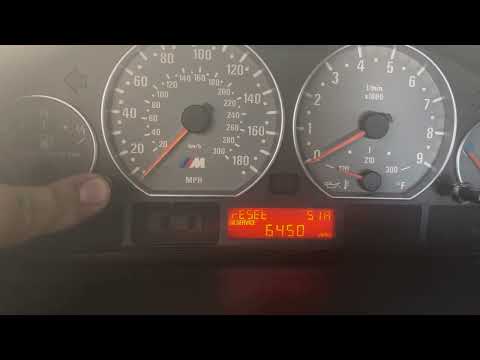
BMW Serie 3
(1998-2006 /
E46)
If the oil light appears on the instrument cluster of your BMW 3 Series E46 (model years 1998-2006) despite having already changed the oil and the co…
BMW Serie 3
(1998-2006 /
E46)
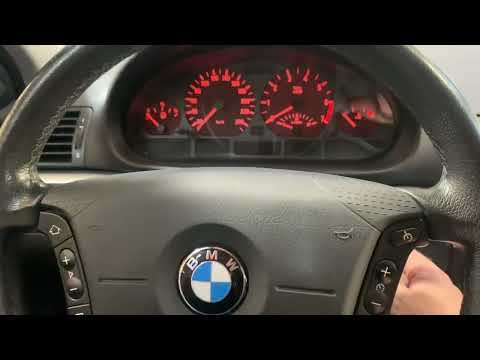
In this mini guide for your BMW 3 Series E46, you will learn how to manually reset the engine oil light. First, enter the cabin and ensure your BMW E…

BMW Serie 3
(1998-2006 /
E46)
To reset the Service light on a BMW 3 Series E46, press and hold the button located on the left side of the instrument cluster while it is off. Next,…
Other guides you may be interested in |
How to Set the Time in an Audi A4?
In this tutorial, you will see how to set the time in an Audi A4, a very simple and quick operation to perform after replacing the battery or when the time changes. First, insert the key and turn on the instrument cluster. Then, press the "SETUP" button located on the center console. Next, press the upper left arrow button, navigate to the "Time" option, and use the central knob to adjust the clock. Finally, set any necessary formats and save by returning to the main screen. by ScegliAuto More videos
|
|
For advertising on this site Write to info@scegliauto.com
ScegliAuto is not responsible for any inaccuracy of the data in the lists. To report any inaccuracy or your business (if you own the business in question), please write to info@scegliauto.com
Number of seconds to generate the page: 0.010
(c) ScegliAuto 2026 - info@scegliauto.com - Privacy policy VAT number: IT01247470535 |
