
|
Do it yourself
| |||
| ||||


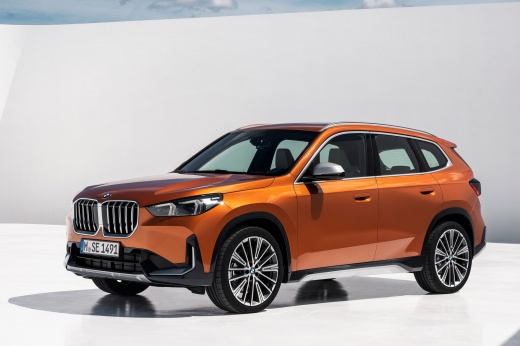
How to Reset the Brake Pad Change Light on the BMW X1
Model: BMW X1
U11
- Years:
2022, 2023, 2024, 2025, 2026
Video tutorial
The instructions in this guide will show you how to reset the brake pad change light on the BMW X1. First, get in the vehicle and turn on the ignition by pressing the start button three times to enter the diagnostic menu. Then, scroll through the options using the arrow keys until you reach the brake pad replacement option, holding down the reset button (you will see the reset option appear). At this point, release the button and press it again to confirm, thus resetting the brake pad change light!
Posted on 2 November 2026 by ScegliAuto
Related tutorials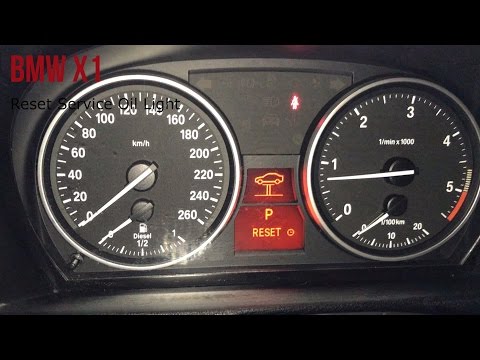
BMW X1
(2015-2022 /
F48)
Follow the instructions explained in the video to reset the brake pad warning light on the BMW X1, after actually changing the pads, of course. First…
BMW X1
(2009-2015 /
E84)
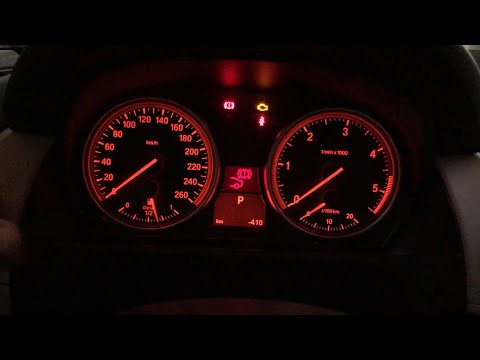
In this video, you will learn how to reset the brake light that turns on when the brakes are worn and need to be replaced on a BMW X1 E84 (first gene…
BMW X1
(2015-2022 /
F48)
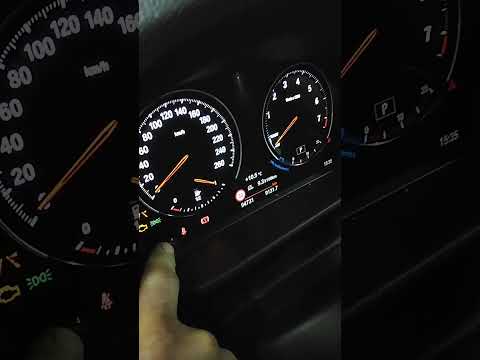
To reset the brake wear light on the BMW X1, turn on the ignition by rotating the key in the ignition switch. Once the dashboard is on, press and hol…
Other guides you may be interested in |
How to remove the seat on the Yamaha Tracer 900?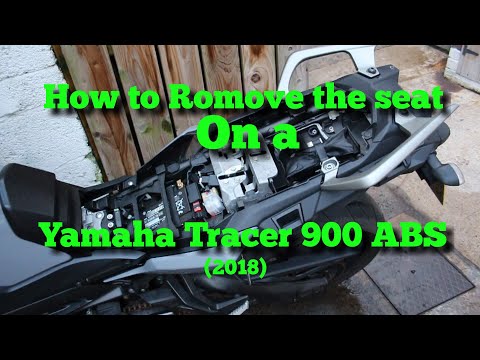
In this tutorial, you will see how to remove the seat on the Yamaha Tracer 900, a very simple and quick operation, for example, if you need to replace it, access the battery, or any other component. First, insert the key into the cylinder located on the lower left side of the seat, then turn it counterclockwise. Grasp the passenger seat and, lifting it, disengage it from the base. Next, remove the indicated plastic block, operate the lever located in the central area of the bracket, and detach the main seat. by ScegliAuto More videos
|
|
For advertising on this site Write to info@scegliauto.com
ScegliAuto is not responsible for any inaccuracy of the data in the lists. To report any inaccuracy or your business (if you own the business in question), please write to info@scegliauto.com
Number of seconds to generate the page: 0.089
(c) ScegliAuto 2026 - info@scegliauto.com - Privacy policy VAT number: IT01247470535 |
