
|
Do it yourself
| |||
| ||||


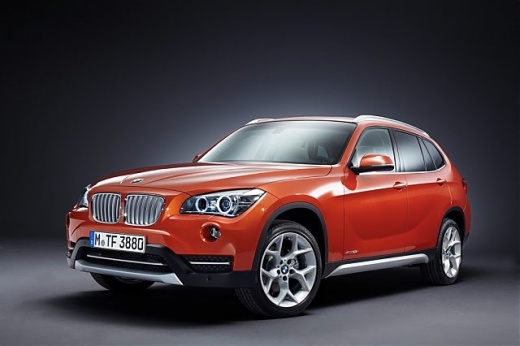
How to Force Restart the iDrive CIC MID System in the BMW X1 E84?
Model: BMW X1
- Years:
2009, 2010, 2011, 2012, 2013, 2014, 2015
Video tutorial
The video here shows the correct way to force restart the iDrive CIC MID system in the first version of the BMW X1, produced between 2009 and 2015, known as the E84. In this model, to force restart the system, for example when the display is frozen and stops working, simply press and hold the volume knob for about 15 seconds. Wait for the display to go completely black before releasing the button, and then all you have to do is wait for the entire system to restart.
Posted on 10 November 2026 by ScegliAuto
Related tutorials
BMW X1
(2022-2026 /
U11)
Let's see how to reset the tire pressure warning light on a BMW X1 using the iDrive infotainment system: turn on the instrument cluster, locate the i…
BMW X1
(2009-2015 /
E84)
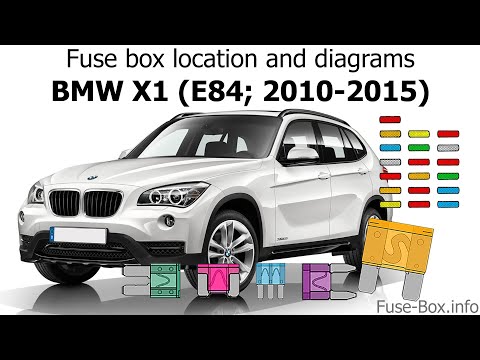
In this new mini guide for your BMW X1 E84 (model years 2009-2015), find out where all the various fuses of the vehicle are located. Once found, you …

BMW X1
(2009-2015 /
E84)
In today's video, you will see how to remove the windshield washer reservoir and its pump on a BMW X1 E84 in simple steps. First, lift the vehicle on…
Other guides you may be interested in |
Frequently Asked QuestionsHow to Reset the Tyre Pressure Light on a Cupra Formentor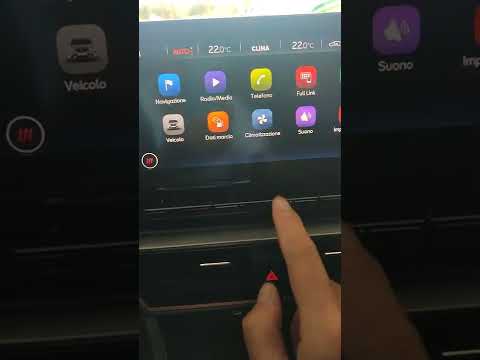
In this brief and simple video tutorial, learn how to reset the tyre pressure on a Cupra Formentor. Start by pressing the ignition button to turn on the instrument cluster. Now, use the touchscreen display on the central console to open the car menu. From here, select the driving data option, then the tyre pressure option. Now, click on the "SET" button with the pressure warning symbol and confirm the correct tyre pressure required by the manufacturer to perform the reset. by ScegliAuto More videos
|
|
For advertising on this site Write to info@scegliauto.com
ScegliAuto is not responsible for any inaccuracy of the data in the lists. To report any inaccuracy or your business (if you own the business in question), please write to info@scegliauto.com
Number of seconds to generate the page: 0.011
(c) ScegliAuto 2026 - info@scegliauto.com - Privacy policy VAT number: IT01247470535 |
