
|
Do it yourself
| |||
| ||||


Manual Reset of Brake Wear Light
Model: BMW Serie 5
E61, E60
- Years 2003-2010
The reset procedure is manual and is performed using the trip odometer reset button located at the bottom left of the instrument cluster. Turn on the ignition, press and hold the "reset km" button until an exclamation point appears in the center of the instrument cluster display, followed by the vehicle image on the screen: this enters the service reminder menu; start pressing the reset button to select the various services until you reach the desired one: hold the reset km button until the RESET? command is displayed and confirm by pressing the same button.
Updated on 5 February 2026 by ScegliAuto
Video tutorial
Related tutorials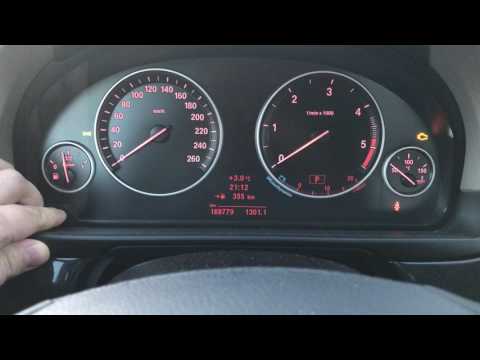
BMW Serie 5
(2010-2017 /
F11, F10)
In this brief and simple guide, follow the instructions to reset the brake pad wear light on the BMW 5 Series. First, ensure you have replaced the wo…
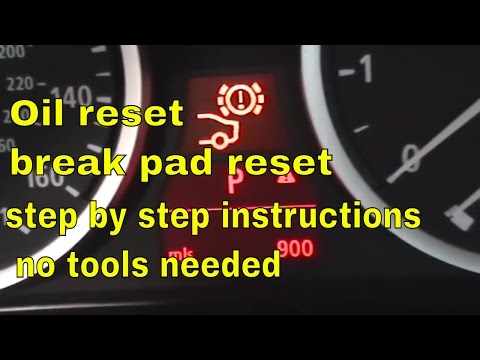
BMW Serie 5
(2003-2010 /
E61, E60)
To reset the brake wear indicator on a BMW 5 Series, turn on the ignition so you can navigate through the menu by pressing the CHECK button located o…

BMW Serie 5
(2017-2024 /
G30)
In order to reset the brake wear indicator light that appears on the instrument cluster of the BMW 5 Series, you need to turn on the instrument clust…
Other guides you may be interested in
|
How to Open the Fuel Cap of the Volkswagen Jetta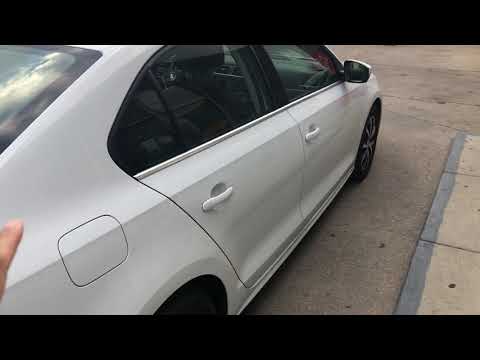
When you need to refuel this vehicle, first open the fuel filler flap. Follow these simple instructions, and you can also watch the video for more details. First, unlock the central locking to open the flaps. Then, press the fuel cap with your hand to unlock it and open it. Underneath, you will find the fuel cap, which you need to unscrew counterclockwise. At this point, you can proceed to refuel. by ScegliAuto More videos
|
|
For advertising on this site Write to info@scegliauto.com
ScegliAuto is not responsible for any inaccuracy of the data in the lists. To report any inaccuracy or your business (if you own the business in question), please write to info@scegliauto.com
Number of seconds to generate the page: 0.089
(c) ScegliAuto 2026 - info@scegliauto.com - Privacy policy VAT number: IT01247470535 |
