
|
Do it yourself
| |||
| ||||


How do you reset the tire pressure warning light on the BMW 1 Series?
Model: BMW Serie 1
E82, E81, E87, MK 1
- Years 2004-2013
In order to reset the BMW 1 Series tire pressure warning light, you need to turn on the instrument panel, so that you can navigate the menu on the display using the switch on the lever to the left of the steering wheel. It will be necessary to move until the low tire pressure icon appears: to reset the warning light, press and hold the BC button on the same lever until the icon disappears from the display. At this point, by switching the instrument panel off and on again, it will be possible to see that the warning light has been correctly reset.
Posted on 23 March 2022 by ScegliAuto
Video tutorial
Related tutorials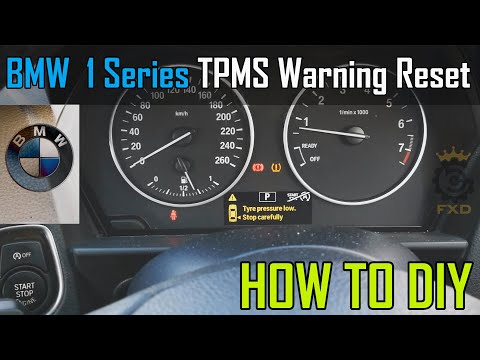
BMW Serie 1
(2011-2019 /
F20, F21, MK 2)
In order to reset the BMW 1 Series tire pressure warning light, you need to turn on the instrument panel so that you can access the menu on the centr…

BMW Serie 1
(2004-2013 /
E82, E81, E87, MK 1)
To reset the tire pressure warning light on the BMW 1 Series, first inflate the tires to the recommended pressure value. This value can be found on t…
BMW Serie 1
(2004-2013 /
E82, E81, E87, MK 1)
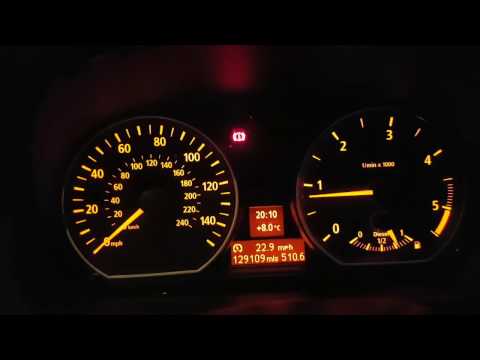
Let's see in this short video how to reset the tire pressure warning light on a BMW 1 Series E87; before carrying out the operation, all four tires m…
Other guides you may be interested in
|
How to Remove the Instrument Cluster on a Citroen Xsara Picasso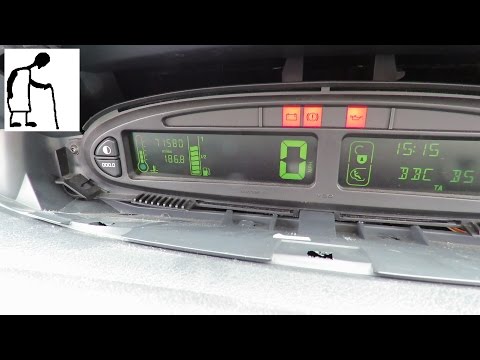
How to remove the instrument cluster located in the centre of the dashboard on a Citroen Xsara Picasso? Follow these steps to disassemble the parts: use a lever to remove the plastic covers of the instrument cluster. Unscrew the securing screws located at the sides of the instrument cluster with a screwdriver; after removing the screws, pull the piece out from the dashboard and disconnect the power cable located at the back of the instrument cluster. Fit the new piece or (replace the LEDs/bulbs in the cluster) and reassemble the same. Finally, reverse the assembly steps. by ScegliAuto More videos
|

|
For advertising on this site Write to info@scegliauto.com
ScegliAuto is not responsible for any inaccuracy of the data in the lists. To report any inaccuracy or your business (if you own the business in question), please write to info@scegliauto.com
Number of seconds to generate the page: 0.069
(c) ScegliAuto 2026 - info@scegliauto.com - Privacy policy VAT number: IT01247470535 |
