
|
Do it yourself
| |||
| ||||


How to replace the camshaft sensor on the BMW 3 Series
Model: BMW Serie 3
E46
- Years 1998-2006
Let's see in this guide the instructions that will allow us to disassemble and replace the camshaft position sensor of the BMW 3 Series petrol. First of all we open the bonnet of our car and we go to identify the positioning of our sensor; we find it at the bottom near the oil filter, as shown in the video. Let's go then to unscrew and remove the oil filter cartridge, unscrewing the screw of the camshaft sensor pin; let's remove it and replace it with the new one, with its original spare part, following the video to the end!
Posted on 26 July 2022 by ScegliAuto
Video tutorial
Related tutorials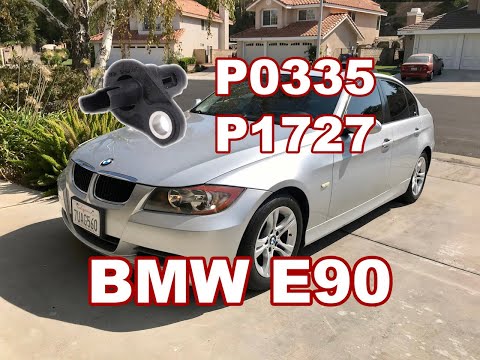
BMW Serie 3
(2005-2013 /
E92, E90, E91)
In this tutorial we can see how to disassemble the camshaft position sensor in BMW 3 Series E90, a very simple operation. First of all, we disassembl…
BMW Serie 3
(2005-2013 /
E92, E90, E91)
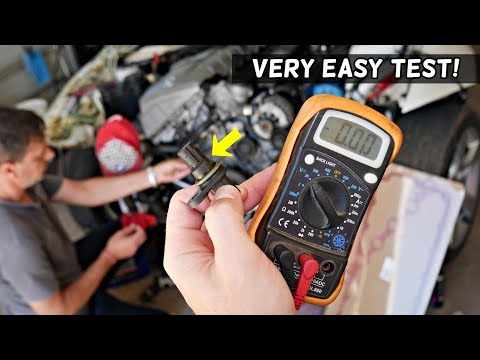
In order to test the BMW 3 Series camshaft sensor, it is advisable to completely disassemble the front part of the car, removing the bumper for easie…
BMW Serie 3
(1998-2006 /
E46)
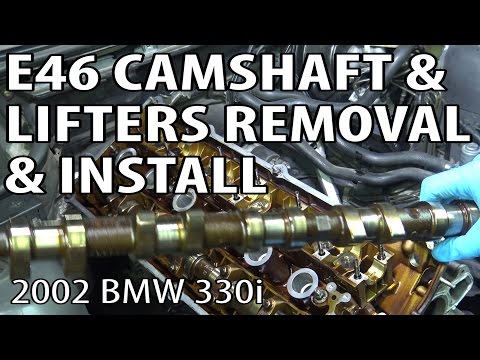
In this video we will see how to remove the cylinder head camshaft on a BMW 3 Series 330i E46; in this case we will see only the steps of removing th…
Other guides you may be interested in
|
How to Replace the Front Headlight Bulbs on an Opel Mokka
Let’s see how to replace the front headlight bulbs on an Opel Mokka. Open the bonnet by pulling the lever located at the bottom right of the dashboard, and secure it with the prop rod. Locate the rubber inspection cap on the back of the headlight and remove it. Disconnect the bulb holder from the headlight and extract the damaged bulbs with the help of a screwdriver. Install the new bulbs (always ensure they are the correct type and size) and insert the bulb holder back into the headlight housing. Reassemble all previously removed parts (headlight cover cap). by ScegliAuto More videos
|
|
For advertising on this site Write to info@scegliauto.com
ScegliAuto is not responsible for any inaccuracy of the data in the lists. To report any inaccuracy or your business (if you own the business in question), please write to info@scegliauto.com
Number of seconds to generate the page: 0.048
(c) ScegliAuto 2026 - info@scegliauto.com - Privacy policy VAT number: IT01247470535 |
