
|
Do it yourself
| |||
| ||||


How to reset the service on the BMW 3 Series?
Model: BMW Serie 3
E91, E90, E92
- Years 2005-2013
In order to reset the service indication on the vehicle, proceed as follows: access the passenger compartment and sit in the driver's seat, insert the ignition key, press the brake pedal and keep it pressed, locate on the instrument panel the button located on the left side under the odometer and then press and hold it down until the month and year in which the service was done appear. At that point with the commands placed on the left multifunction lever (ring and "BC" button) go to update the service date and that's it.
Posted on 24 November 2022 by ScegliAuto
Video tutorial
Related tutorials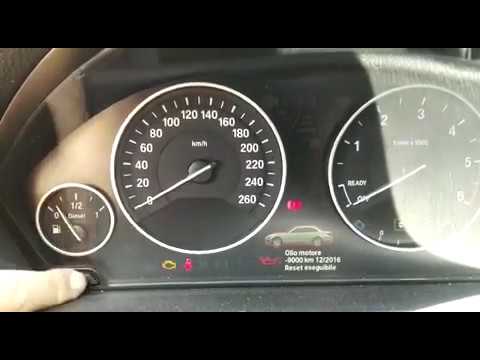
BMW Serie 3
(2012-2019 /
F30, F31)
In this videotutorial we can see how to reset the service in the BMW 3 Series F30. Obviously, this is a procedure to be followed only after having ca…

BMW Serie 3
(2005-2013 /
E91, E90, E92)
If you own a BMW 3 Series e90 (2011) and want to learn how to manually reset the service light that remains on even after servicing your car, all you…

BMW Serie 3
(1998-2006 /
E46)
The service indicator of the BMW 3 Series is activated when it is necessary to perform a car service. After carrying out the service operations, we c…
Other guides you may be interested in
|
Frequently Asked QuestionsHow to Update the TomTom on a Renault Scenic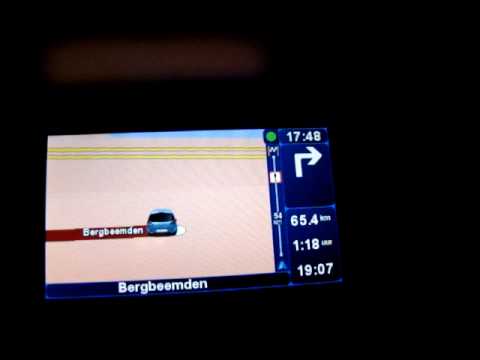
Follow this video to update the original TomTom navigator on a Renault Scenic. This is a very simple operation; enter the vehicle, turn on the instrument panel of your car with the key fob, press the knob located near the gear lever, and find the menu with the update option. Press the knob down and up to confirm, then wait for the necessary time for the device to update. Finally, the onboard computer will display the successful update of the navigator; check everything and turn off the instrument panel with the appropriate key. by ScegliAuto More videos
|

|
For advertising on this site Write to info@scegliauto.com
ScegliAuto is not responsible for any inaccuracy of the data in the lists. To report any inaccuracy or your business (if you own the business in question), please write to info@scegliauto.com
Number of seconds to generate the page: 0.119
(c) ScegliAuto 2026 - info@scegliauto.com - Privacy policy VAT number: IT01247470535 |
