
|
Do it yourself
| |||
| ||||



How to Replace the Key Fob Battery for the BMW 5 Series?
Model: BMW Serie 5
F11, F10
- Years:
2010, 2011, 2012, 2013, 2014, 2015, 2016, 2017
Video tutorial
Replacing the key fob battery for the BMW 5 Series, as shown in this tutorial, is an extremely simple and quick operation. For this, you will need a small flathead screwdriver and a replacement CR2450 battery. First, extract the emergency metal key by pressing the designated button, then insert the screwdriver into the indicated slot, pry it open, and unlock the rear cover. Once done, remove the old battery, insert the replacement while respecting the polarity, and reassemble everything.
Updated on 1 July 2026 by ScegliAuto
Related tutorials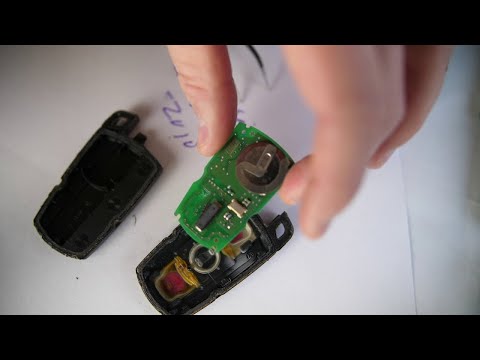
BMW Serie 5
(2003-2010 /
E60, E61)
To replace the battery in a BMW 5 Series remote, slide the key out from the top of the device to gain access to its housing. This will allow you to a…

BMW Serie 5
(2017-2024 /
G30)
Is your BMW 5 Series remote not working anymore? Don’t worry, just follow our short video tutorial to change the battery and get back to using the re…
BMW Serie 5
(2003-2010 /
E60, E61)
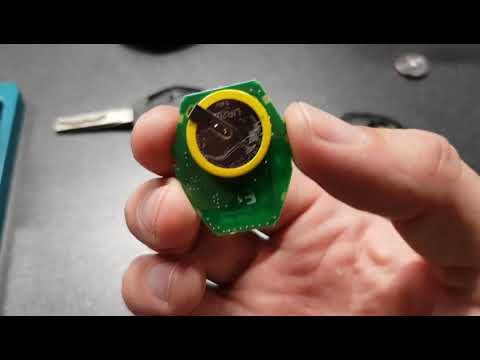
Let's go through the main steps to disassemble and replace the battery in the remote key for a BMW 5 Series. First, take your key and use something t…
Other guides you may be interested in
|
Fuses Placement and Diagram for the Mercedes Vito
Check the diagram and placement of the fuse boxes for the Mercedes Vito by following the instructions below. First, open the bonnet and locate the external fuse box; you will find it by removing the plastic cover situated at the top of the engine compartment, as shown in the video. At this point, find another fuse box in the cabin, specifically under the driver's seat; use the owner's manual to find the fuse diagram and replace any faulty fuse with a new one that has the same amperage rating. by ScegliAuto More videos
|
|
For advertising on this site Write to info@scegliauto.com
ScegliAuto is not responsible for any inaccuracy of the data in the lists. To report any inaccuracy or your business (if you own the business in question), please write to info@scegliauto.com
Number of seconds to generate the page: 0.147
(c) ScegliAuto 2026 - info@scegliauto.com - Privacy policy VAT number: IT01247470535 |
