
|
Do it yourself
| |||
| ||||


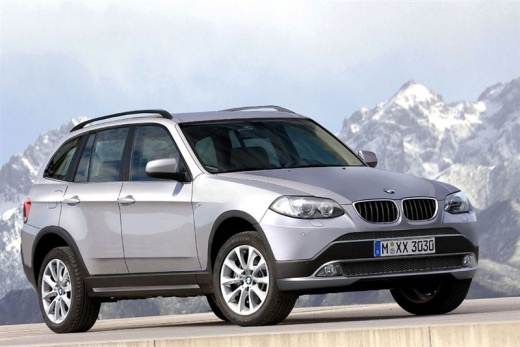
How to Remove All Chrome Badges from the BMW X3
Model: BMW X3
MK 2, F25
- Years:
2010, 2011, 2012, 2013, 2014, 2015, 2016, 2017
Video tutorial
Many users prefer their vehicle to have no badges of any kind: neither on the vehicle nor on the license plate holder. Removing those from the license plate holder is easy (just ask the dealer to install a plain license plate holder, it's within our rights), but removing the badges from the vehicle is more challenging. However, we can handle this ourselves as well. Simply using some masking tape to outline the work area and a plastic scraper, carefully remove the badges from the rear of the vehicle, leaving only the manufacturer's emblem. This way, it will look much cleaner and more highlighted.
Updated on 7 August 2026 by ScegliAuto
Related tutorials
BMW X3
(2017-2024 /
MK 3, G01)
If you don't like chrome, can you remove the chrome grilles from a BMW X3 or X5 and replace them with glossy black grilles? Absolutely, and here's ho…

BMW X3
(2003-2010 /
E83, MK 1)
Unlatch and lift the hood, then you will need to remove all the parts above the area where you will be working. As shown in the video, you can remove…
BMW X3
(2003-2010 /
E83, MK 1)
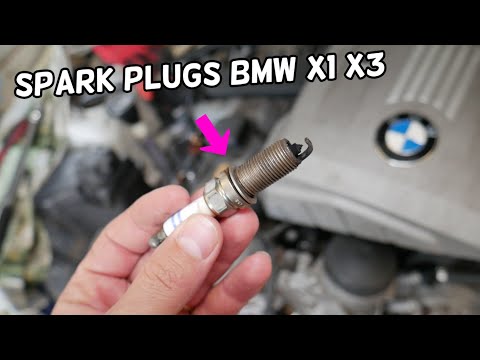
To replace the spark plugs on a BMW X3, open the hood to access the engine compartment and remove the plastic cover from the top of the engine. Here,…
Other guides you may be interested in |
How to Open the Fuel Filler Flap in the Hyundai i30?
In this tutorial, you will learn how to open the fuel filler flap in the Hyundai i30, a very simple operation that follows the typical procedure of most vehicles. First, unlock the locks using the designated button on the remote, then open the driver's door, locate the release lever on the left side of the seat, and operate it. Next, move to the fuel filler flap, open it completely, unscrew the cap, and refuel as needed. To close the flap, simply press it gently. by ScegliAuto More videos
|
|
For advertising on this site Write to info@scegliauto.com
ScegliAuto is not responsible for any inaccuracy of the data in the lists. To report any inaccuracy or your business (if you own the business in question), please write to info@scegliauto.com
Number of seconds to generate the page: 0.018
(c) ScegliAuto 2026 - info@scegliauto.com - Privacy policy VAT number: IT01247470535 |
