
|
Do it yourself
| |||
| ||||



How to Remove the Glove Compartment in a BMW 3 Series?
Model: BMW Serie 3
F31, F30
- Years:
2012, 2013, 2014, 2015, 2016, 2017, 2018, 2019
Video tutorial
As you can see in this tutorial, removing the glove compartment in a BMW 3 Series is an extremely simple and quick task. First, go to the passenger side, then disconnect the door seal and unclip the outer panel of the dashboard. Next, remove the screw indicated with a T25 Torx wrench, then proceed to remove the lower bolts with a 10mm socket wrench and take out the panel. At this point, just unscrew the remaining screws indicated, remove the airbag module only after disconnecting the battery, and take out the entire glove compartment.
Updated on 18 August 2026 by ScegliAuto
Related tutorials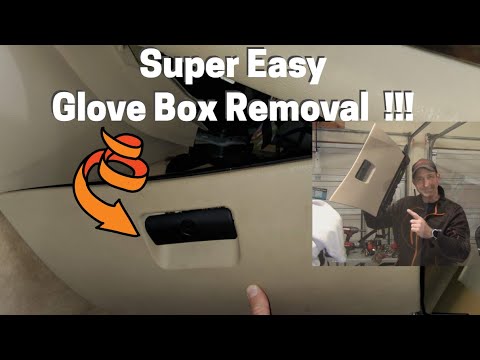
BMW Serie 3
(1998-2006 /
E46)
In this tutorial, you will see how to remove the passenger glove compartment in the BMW 3 Series, a very simple and quick operation. First, position …
BMW Serie 3
(2005-2013 /
E92, E90, E91)
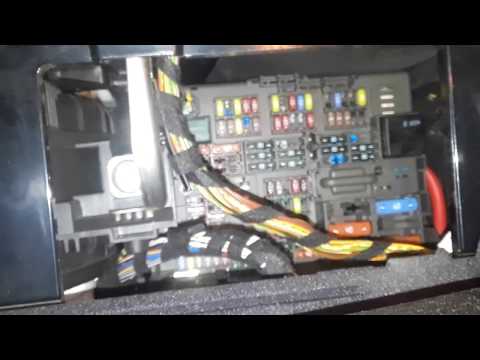
The attached video shows the diagram and location of the fuses in our BMW 3 Series. Fuses are designed to prevent damage to the vehicle's electrical …

BMW Serie 3
(2005-2013 /
E92, E90, E91)
The BMW 3 Series has two fuse boxes. The first fuse box is located inside the cabin, specifically behind the glove compartment on the passenger side.…
Other guides you may be interested in
|
How to Activate the Automatic Folding and Unfolding of the Wing Mirrors on the Jeep Compass
Follow these brief instructions to activate the automatic folding and unfolding of the external wing mirrors on the Jeep Compass. First, get inside the vehicle and turn on the ignition; then press the button located beneath the mirror glass adjustment to electrically open the mirror, as shown in the video. Pressing the button in the opposite direction will close the mirrors; by holding the button, the mirrors will open and close automatically! by ScegliAuto More videos
|
|
For advertising on this site Write to info@scegliauto.com
ScegliAuto is not responsible for any inaccuracy of the data in the lists. To report any inaccuracy or your business (if you own the business in question), please write to info@scegliauto.com
Number of seconds to generate the page: 0.064
(c) ScegliAuto 2026 - info@scegliauto.com - Privacy policy VAT number: IT01247470535 |
