
|
Do it yourself
| |||
| ||||


How to reset the "Service" indicator on a BMW 5 Series?
Model: BMW Serie 5
G30
- Years 2017-2024
To reset the "Service" light on a BMW 5 Series, you can follow these steps. Start by entering the vehicle's settings menu. Then, select the "Vehicle status" option and then "Maintenance". Once inside the maintenance menu, follow the procedure indicated by the onboard computer to reset the "Service" light. During this procedure, you may need to confirm your choice or follow further instructions displayed on the screen. Make sure to complete all steps of the process and carefully follow the onboard computer instructions. Once the reset is complete, the "Service" light should be turned off, indicating that the process was successful.
Posted on 22 April 2024 by ScegliAuto
Video tutorial
Related tutorials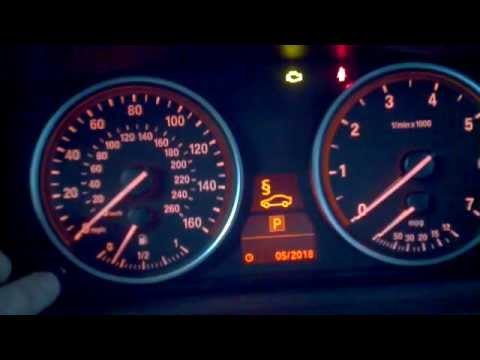
BMW Serie 5
(2003-2010 /
E60, E61)
In this video, learn how to reset the brake light on a BMW 5 Series. This is a very simple operation. Enter the vehicle, turn on the ignition, and ch…
BMW Serie 5
(2003-2010 /
E60, E61)
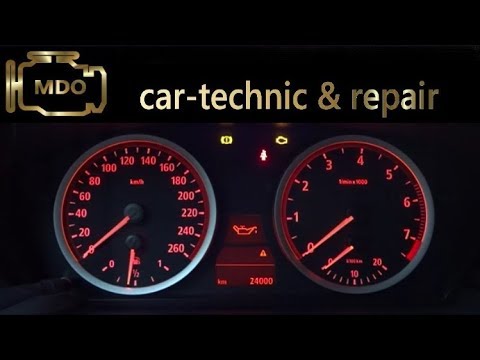
Let's discover together the instructions on how to reset the service indicator for regular maintenance of the oil change in the BMW 5 Series. First, …
BMW Serie 5
(1995-2003 /
E39)
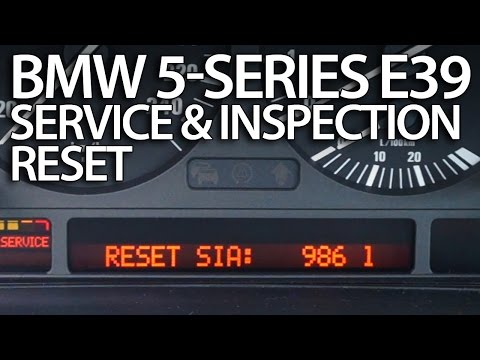
Before starting, we will have to sit on the driver's seat of our BMW 5 Series. Let's start by pressing and holding the button next to the fuel gauge.…
Other guides you may be interested in
|
How to Change the Brake Pads on a Volkswagen New Beetle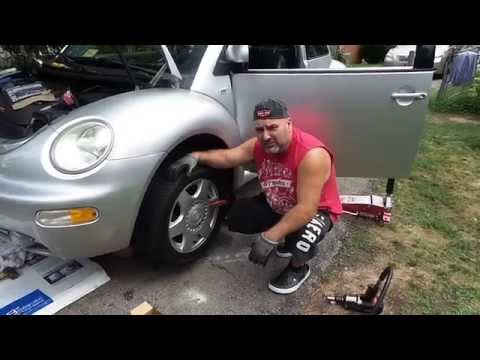
Learn how to change the front brake pads on a Volkswagen New Beetle. First, lift the car on a column lift to the desired height, then remove the wheel (using a telescopic spanner or air impact wrench) along with the respective bolts. Unscrew the locking bolt of the brake caliper, remove it from the wheel hub support, and detach the pads from the brake caliper using a screwdriver. Install the new pads on the brake caliper and refit the brake caliper to the support; tighten all bolts and remount the wheel. Proceed to perform the same operations on the other calipers present on the vehicle. by ScegliAuto More videos
|

|
For advertising on this site Write to info@scegliauto.com
ScegliAuto is not responsible for any inaccuracy of the data in the lists. To report any inaccuracy or your business (if you own the business in question), please write to info@scegliauto.com
Number of seconds to generate the page: 0.055
(c) ScegliAuto 2026 - info@scegliauto.com - Privacy policy VAT number: IT01247470535 |
