
|
Do it yourself
| |||
| ||||



How to Reset the Oil Light on the Chevrolet Captiva
Model: Chevrolet Captiva
MK 1
- Years:
2006, 2007, 2008, 2009, 2010, 2011, 2012, 2013, 2014, 2015, 2016, 2017
Video tutorial
Below are the instructions on how to correctly reset the oil light on the Chevrolet Captiva. First, as seen in this short video, turn on the ignition. Next, use the control buttons located on the left side of the steering wheel as shown in the video. Here you will find the "info" button; press it multiple times until the central screen displays the "oil status" message. Once on this screen, you will see the oil operation percentage. To reset it, simply hold down the confirmation button on the side control panel until it indicates 100%. The reset is now complete.
Posted on 4 June 2026 by ScegliAuto
Related tutorials
Chevrolet Captiva
(2006-2018 /
MK 1)
Modify bi-xenon headlights on Captiva. …
Chevrolet Captiva
(2006-2018 /
MK 1)
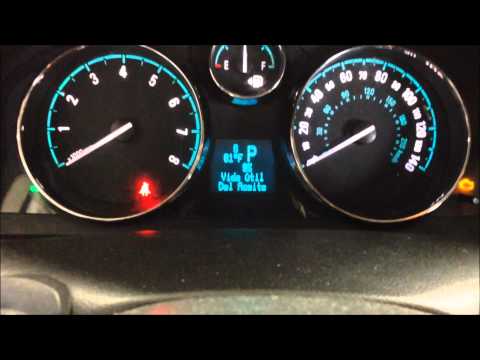
Do you want to reset the service light on your car? Let's see how to do it on a Chevrolet Captiva. Turn on the instrument panel with the appropriate …
Chevrolet Captiva
(2006-2018 /
MK 1)
To reset the Service light on a Chevrolet Captiva, turn on the instrument cluster by rotating the ignition key in the ignition barrel: once it is on,…
Other guides you may be interested in
|
How to Set the Time in an Audi A4?
In this tutorial, you will see how to set the time in an Audi A4, a very simple and quick operation to perform after replacing the battery or when the time changes. First, insert the key and turn on the instrument cluster. Then, press the "SETUP" button located on the center console. Next, press the upper left arrow button, navigate to the "Time" option, and use the central knob to adjust the clock. Finally, set any necessary formats and save by returning to the main screen. by ScegliAuto More videos
|
|
For advertising on this site Write to info@scegliauto.com
ScegliAuto is not responsible for any inaccuracy of the data in the lists. To report any inaccuracy or your business (if you own the business in question), please write to info@scegliauto.com
Number of seconds to generate the page: 0.020
(c) ScegliAuto 2026 - info@scegliauto.com - Privacy policy VAT number: IT01247470535 |
