
|
Do it yourself
| |||
| ||||


Front Indicator Bulb Replacement
Model: Chevrolet Cruze
- Years 2000-2010
Until a few years ago, replacing a bulb required unscrewing the plastic covers from the outside. Nowadays, this operation is much simpler, and it is not always necessary to dismantle components. In the case shown in the video, to replace the front indicator bulb, open the bonnet and locate the bulb holder for the indicator next to that of the headlights. Release the bulb holder by turning it slightly anti-clockwise and pull it out of its housing. Remove the burnt bulb and replace it with a new one. Reinsert the bulb holder by turning it clockwise to secure it. Car model: Chevrolet Cruze.
Updated on 15 February 2026 by ScegliAuto
Video tutorial
Related tutorials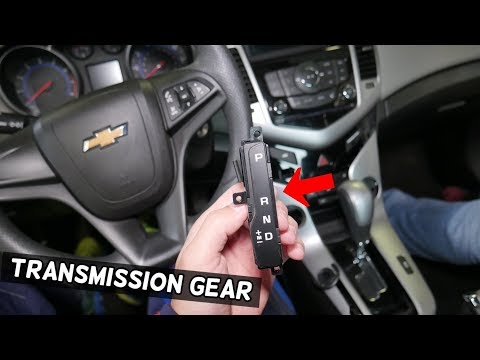
Chevrolet Cruze
(2009-2015 /
MK 1, J300)
Remove the gear indicator on a Chevrolet Cruze? This operation is very easy; follow the disassembly steps. Position the gear knob vertically, then us…
Chevrolet Cruze
(2000-2010 /
)
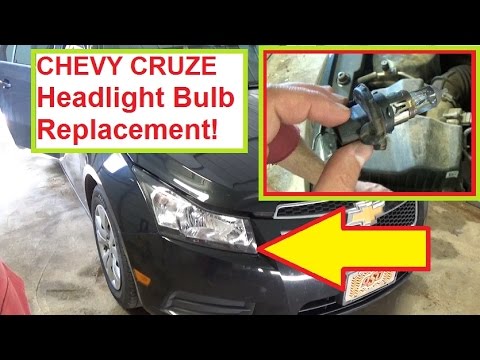
Replacing the front headlight bulb is quite simple as there is enough space to manoeuvre once the bonnet is open, and there is no need to remove the …
Chevrolet Cruze
(2009-2015 /
MK 1, J300)
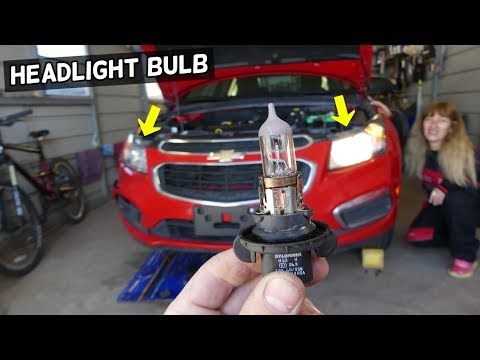
In this video tutorial, we will see how to remove and replace the front light bulb on a Chevrolet Cruze. First, open and lift the car's bonnet and lo…
Other guides you may be interested in
|
How to Open the Bonnet on the Lancia Y
To open the bonnet on this vehicle, follow these simple instructions: first, open the driver's door and locate the lever positioned just below the dashboard, marked with an image of the vehicle with the bonnet open. Pull this lever towards you until you hear a "click" indicating the bonnet is released. Next, exit the cabin and stand in front of the bonnet to disengage the safety catch and complete the opening. To do this, slightly lift the bonnet, locate the yellow lever underneath, and pull it to the left to fully release and open the bonnet. by ScegliAuto More videos
|
|
For advertising on this site Write to info@scegliauto.com
ScegliAuto is not responsible for any inaccuracy of the data in the lists. To report any inaccuracy or your business (if you own the business in question), please write to info@scegliauto.com
Number of seconds to generate the page: 0.124
(c) ScegliAuto 2026 - info@scegliauto.com - Privacy policy VAT number: IT01247470535 |
