
|
Do it yourself
| |||
| ||||


Install 2 DIN Android Car Radio in Citroen C3
Model: Citroen C3
FC, FN
- Years 2002-2009
In this video tutorial, you will find the main instructions on how to remove the original car radio and replace it with a 2 DIN Android unit. First, dismantle the old radio by getting into the car and using the appropriate tools to remove it; then disconnect its electrical connector and proceed to install your new multimedia system. If your system is compatible, connect the electrical connector and the antenna cable directly; insert the mounting bracket with screws and the support frame for the car radio, as shown in the video!
Updated on 18 April 2026 by ScegliAuto
Video tutorial
Related tutorials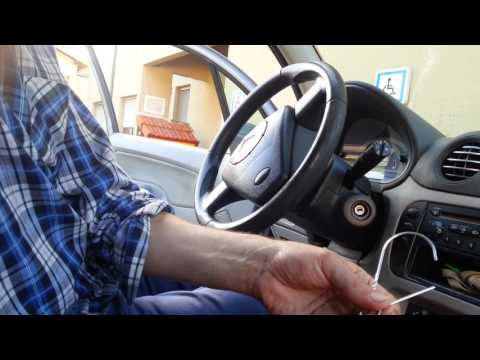
Citroen C3
(2002-2009 /
FC, FN)
How to remove the radio from a Citroen C3? Let's see how to take it out from the dashboard. Insert the keys into the holes on the plastic cover of th…
Citroen C3
(2009-2016 /
SC)
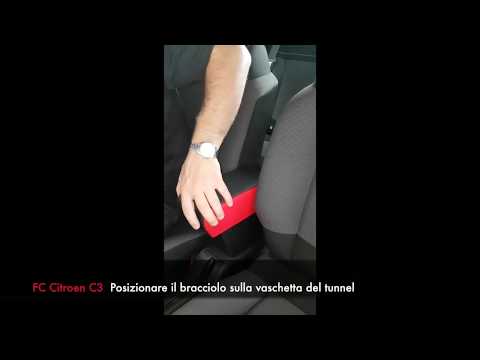
Learn how to fit the original armrest on a Citroen C3: the one shown in the video is the original, and you can find it on eBay with the code 19430971…
Citroen C3
(2002-2009 /
FC, FN)
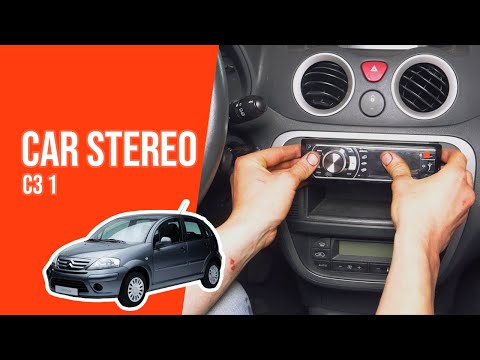
Use the appropriate double pins by inserting them into the four corners of the radio until they reach the end. This will press on the retaining pins,…
Other guides you may be interested in
|
Frequently Asked QuestionsHow to Open a Stuck Boot on the Peugeot 407?
On the Peugeot 407, the boot may become stuck, possibly due to a problem with the control button or the lock actuator. In such cases, you can perform an emergency opening by following the simple procedure shown in this tutorial. First, open the rear doors, then lower the seat back by operating the release lever. Next, go inside the boot, locate the lock, and manually operate it using a flathead screwdriver. The boot will then be free to open. by ScegliAuto More videos
|
|
For advertising on this site Write to info@scegliauto.com
ScegliAuto is not responsible for any inaccuracy of the data in the lists. To report any inaccuracy or your business (if you own the business in question), please write to info@scegliauto.com
Number of seconds to generate the page: 0.063
(c) ScegliAuto 2026 - info@scegliauto.com - Privacy policy VAT number: IT01247470535 |
