
|
Do it yourself
| |||
| ||||


How to Set the Time on the Citroen C3
Model: Citroen C3
SY, SX
- Years 2016-2023
To set the clock using the vehicle's multimedia system, follow the simple steps below: First, turn on the ignition, then select 'settings' from the touch menu, followed by clicking on 'options' and then 'update date and time'. At this point, you can first modify the date format and then manually change the time by entering the new time and saving it. Alternatively, you can set the time to update automatically via GPS or adjust it according to the desired time zone.
Updated on 20 May 2026 by ScegliAuto
Video tutorial
Related tutorials
Citroen C3
(2016-2023 /
SY, SX)
Learn how to set the date and time on the Citroen C3. Sit in the driver's seat and turn on the instrument cluster, then press the menu button located…

Citroen C3
(2009-2016 /
SC)
You can change the clock displayed on the Citroën C3 instrument panel by turning on the instrument panel and pressing the MENU button located on the …

Citroen C3
(2009-2016 /
SC)
To adjust the clock of the Citroën C3, you will need to turn on the instrument panel and press the MENU button located on the right side of the radio…
Other guides you may be interested in
|
How to Open a Stuck Boot on the Peugeot 407?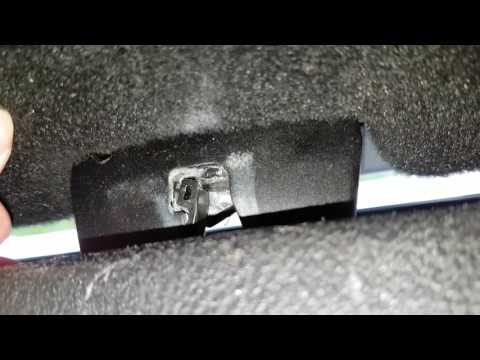
On the Peugeot 407, the boot may become stuck, possibly due to a problem with the control button or the lock actuator. In such cases, you can perform an emergency opening by following the simple procedure shown in this tutorial. First, open the rear doors, then lower the seat back by operating the release lever. Next, go inside the boot, locate the lock, and manually operate it using a flathead screwdriver. The boot will then be free to open. by ScegliAuto More videos
|
|
For advertising on this site Write to info@scegliauto.com
ScegliAuto is not responsible for any inaccuracy of the data in the lists. To report any inaccuracy or your business (if you own the business in question), please write to info@scegliauto.com
Number of seconds to generate the page: 0.145
(c) ScegliAuto 2026 - info@scegliauto.com - Privacy policy VAT number: IT01247470535 |
