
|
Do it yourself
| |||
| ||||


How to Reset the TPMS Sensor on a Citroen C3
Model: Citroen C3
SY, SX
- Years 2016-2023
Inside your car, there is a sensor capable of detecting the exact tyre pressure in real time. Its name is TPMS, and as you can easily imagine, it is a very interesting and useful feature that significantly reduces the risk of having a completely flat tyre during your journey. However, sometimes due to various factors, including external conditions, it may show errors, and it is necessary to reset it. To do this, start the car and enter the vehicle settings menu. Click on "Reset Tyre Pressure Warning" and then on "Yes". The sensor will then perform a new reading, and the warning light will disappear from the dashboard.
Updated on 3 June 2026 by ScegliAuto
Video tutorial
Related tutorials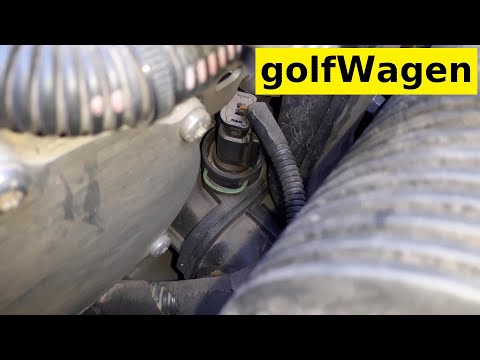
Citroen C3
(2002-2009 /
FC, FN)
Before you start, open the front bonnet of your Citroen C3. The sensor is located near the left side of the cylinder head. This procedure should be c…
Citroen C3
(2002-2009 /
FC, FN)
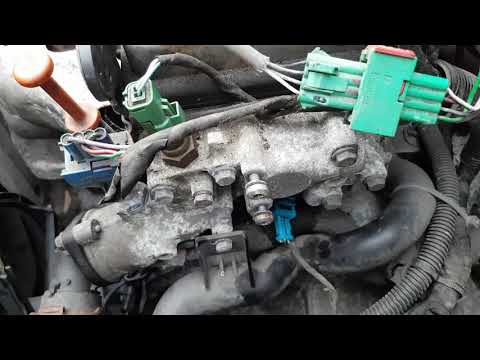
In this short and simple guide, you will find the necessary instructions to remove and replace the coolant temperature sensor on the Citroen C3 1.4i.…

Citroen C3
(2016-2023 /
SY, SX)
To reset the TPMS light on a Citroen C3, turn on the instrument panel or the engine. Use the central touchscreen display to access the settings menu.…
Other guides you may be interested in
|
How to reset the tire pressure sensor of the Hyundai Tucson
Below we will discover the instructions that will allow us to reset the tire pressure warning light (TPMS) of the Hyundai Tucson. First of all, we get into the car and turn on the instrument panel; then we go to the vehicle settings until we reach the tire pressure monitor, identifying the tire with the incorrect pressure. At this point, we proceed to restore all tire pressures, following the pattern indicated on the label; in this way the TPMS system will be reset and the warning light will be reset by the instrument panel! by ScegliAuto More videos
|
|
For advertising on this site Write to info@scegliauto.com
ScegliAuto is not responsible for any inaccuracy of the data in the lists. To report any inaccuracy or your business (if you own the business in question), please write to info@scegliauto.com
Number of seconds to generate the page: 1.798
(c) ScegliAuto 2026 - info@scegliauto.com - Privacy policy VAT number: IT01247470535 |
