
|
Do it yourself
| |||
| ||||


How to Set the Time in a Citroen C3?
Model: Citroen C3
SX, SY
- Years:
2016, 2017, 2018, 2019, 2020, 2021, 2022, 2023
Video tutorial
In this tutorial, you can see how to set the time in a Citroen C3, a very simple and quick operation to perform, for example, after replacing the battery or following the switch to daylight saving time. First, turn on the instrument cluster, then press the "menu" button on the radio and go to the settings section. Scroll the screen to the left, select "Date/Time" and, using the touch-screen controls, set the time, date, and format as needed. To save the setting, simply return to the main screen.
Updated on 27 August 2026 by ScegliAuto
Related tutorials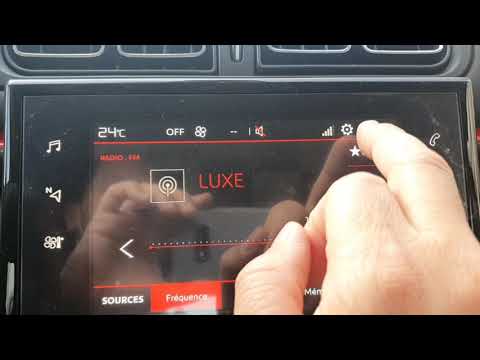
Citroen C3
(2016-2023 /
SX, SY)
Today, we will look at the instructions that will allow you to adjust the time on the Citroen C3. First, get inside the vehicle and turn on the instr…
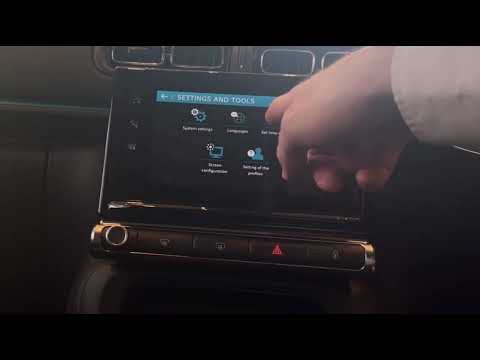
Citroen C3
(2016-2023 /
SX, SY)
To set the clock using the vehicle's multimedia system, follow the simple steps below: First, turn on the ignition, then select 'settings' from the t…

Citroen C3
(2009-2016 /
SC)
Daylight saving time has given way to standard time, and it is time to change the clock in our vehicles. Today, learn how to perform this operation o…
ScegliAuto offers an extensive international collection of automotive tutorials available in 12 languages. Each guide combines instructional videos with original explanations written by experienced human editors, along with information about the car models covered.
Other guides you may be interested in
|
How do you replace the cabin blower fan on the Peugeot 308?
Open the glovebox on the front passenger side to replace the cabin blower fan on the Peugeot 308. Loosen the screws inside the glovebox to remove it and access the components behind the dashboard. The fan will now be accessible. Undo the screws securing it in place, then disconnect its electrical connectors and remove it. Fit the replacement fan and refit the glovebox. by ScegliAuto More videos
|
|
For advertising on this site Write to info@scegliauto.com
ScegliAuto is not responsible for any inaccuracy of the data in the lists. To report any inaccuracy or your business (if you own the business in question), please write to info@scegliauto.com
Number of seconds to generate the page: 0.060
(c) ScegliAuto 2026 - info@scegliauto.com - Privacy policy - About us VAT number: IT01247470535 |
