
|
Do it yourself
| |||
| ||||


How to Reset the Service Light on a Dacia Sandero
Model: Dacia Sandero
MK 3
- Years 2021-2026
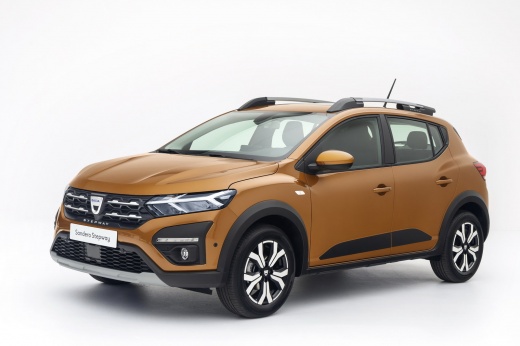
Here are the instructions on how to reset the service light on your Dacia Sandero. The steps are very simple and quick. First, turn on the ignition. Next, press the menu button on the steering wheel and use the arrows to scroll up or down until you find the required option, in this case, "Service". Once you find this option, press and hold the OK button on the steering wheel until the message starts to flash. Keep the button pressed for a few seconds until the reset is complete, and your light will be reset correctly.
Posted on 23 May 2026 by ScegliAuto
Video tutorial
Related tutorials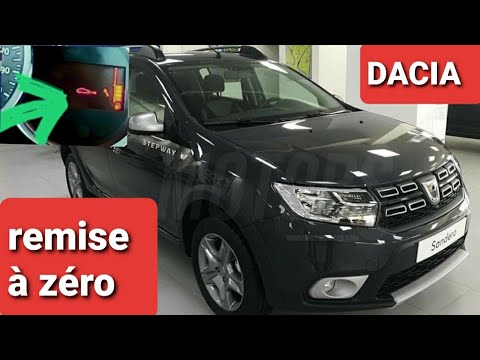
Dacia Sandero
(2012-2020 /
B8)
Before you begin, sit in the driver's seat of your Dacia Sandero Stepway. Start by repeatedly pressing the button located at the end of the right ind…

Dacia Sandero
(2008-2012 /
BS)
Below you will find the description of all the various steps you need to follow if you want to manually reset the service light of your Dacia Sandero…

Dacia Sandero
(2012-2020 /
B8)
To reset the Service light of the Dacia Sandero, you need to turn on the instrument panel by inserting the ignition key into the corresponding slot: …
Other guides you may be interested in
|
Frequently Asked QuestionsHow to reset the tyre pressure warning light on the Suzuki Jimny?
To reset the tyre pressure warning light on the Suzuki Jimny, first inflate the tyres to the pressure value indicated on the corresponding sticker: this is located at the bottom of the driver's door pillar. Once the tyres are inflated, insert the ignition key and turn on the instrument panel: select the screen that indicates the tyre pressures, checking that the values change. After a few seconds, the tyre pressure warning light will automatically turn off. by ScegliAuto More videos
|
|
For advertising on this site Write to info@scegliauto.com
ScegliAuto is not responsible for any inaccuracy of the data in the lists. To report any inaccuracy or your business (if you own the business in question), please write to info@scegliauto.com
Number of seconds to generate the page: 0.121
(c) ScegliAuto 2026 - info@scegliauto.com - Privacy policy VAT number: IT01247470535 |
