
|
Do it yourself
| |||
| ||||


How to Reset the Tyre Pressure Light on the Dacia Sandero
Model: Dacia Sandero
- Years 2012-2020
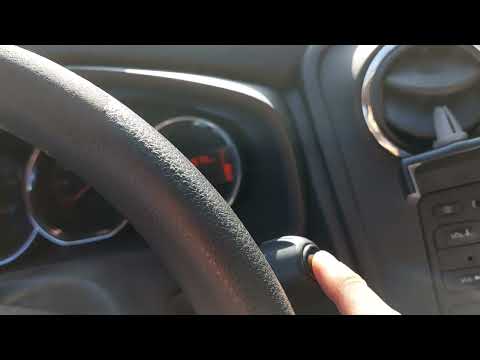
In this tutorial, see how to reset the tyre pressure light on the Dacia Sandero, a very simple and quick operation, to be performed only after restoring the correct pressure in each tyre according to the instructions in the manual. First, enter the cabin, then insert the key and turn on the instrument panel. Next, scroll through the various display information using the directional arrows on the steering wheel, reach the "Tyre Pressure. Long Press" option, and perform the reset by holding down the down arrow. To complete the procedure, simply restart the vehicle.
Posted on 2 October 2026 by ScegliAuto
Video tutorial
Related tutorials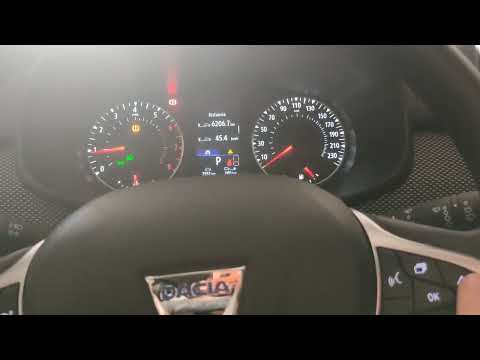
Dacia Sandero
(2021-2026 /
MK 3)
In this tutorial, see how to reset the tyre light in a Dacia Sandero, an extremely simple and quick operation. Before doing this, ensure that you hav…
Dacia Sandero
(2012-2020 /
B8)
Resetting the tyre warning light on a Dacia Sandero, as shown in this tutorial, is an extremely simple and quick operation. Before proceeding, ensure…
Dacia Sandero
(2012-2020 /
B8)
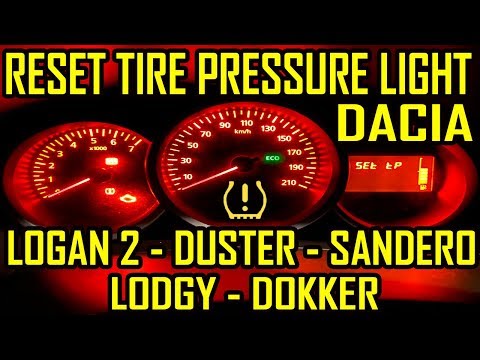
Resetting the tyre warning light on the Dacia Sandero is very simple. First, ensure the correct tyre pressure is restored, as indicated on the label …
Other guides you may be interested in
|
How to Replace the Remote Battery of the Ford Puma?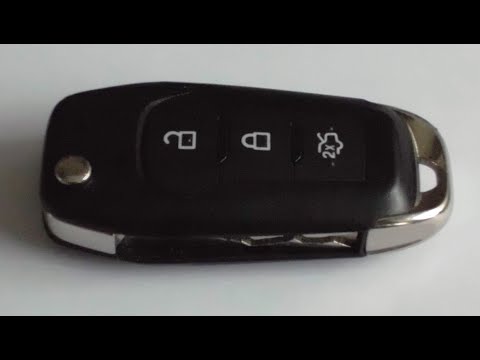
As shown in this tutorial, replacing the remote battery of the Ford Puma is an extremely simple and quick operation. To do this, you will need a small flat-head screwdriver and a replacement CR2032 battery. First, extend the emergency metal key using the designated button, then locate the indicated slot, lever it open with the screwdriver, and separate the rear cover. Once done, remove the old battery, insert the replacement while respecting the polarity, and reassemble everything. by ScegliAuto More videos
|
|
For advertising on this site Write to info@scegliauto.com
ScegliAuto is not responsible for any inaccuracy of the data in the lists. To report any inaccuracy or your business (if you own the business in question), please write to info@scegliauto.com
Number of seconds to generate the page: 0.131
(c) ScegliAuto 2026 - info@scegliauto.com - Privacy policy VAT number: IT01247470535 |
