
|
Do it yourself
| |||
| ||||


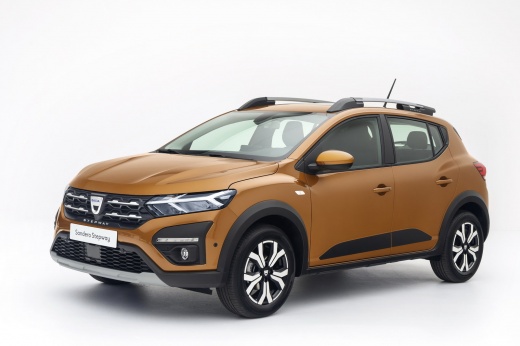
How to Replace the Wiper Blades on a Dacia Sandero
Model: Dacia Sandero
- Years:
2021, 2022, 2023, 2024, 2025, 2026
Video tutorial
To replace the wiper blades on a third-generation Dacia Sandero, position the front wipers in the maintenance position. With the ignition on and the engine off, lower the wiper lever twice consecutively to bring the blades to a vertical position. After turning off the ignition, gently lift one arm from the windscreen and press the locking tab of the blade to detach it from the support. Then slide out the old element and insert the new one, pushing it into the fitting until fully engaged. Repeat the same operation on the other wiper blade. Finally, return the blades to the windscreen, turn the ignition back on, and operate the lever to restore the normal position, checking their function.
Posted on 21 October 2026 by ScegliAuto
Related tutorials
Dacia Sandero
(2012-2020 /
B8)
In this short guide, we will see the instructions that will allow us to activate the windshield wipers on the Dacia Sandero. First of all, we get on …
Dacia Sandero
(2012-2020 /
B8)
Replacing the wiper blades on your Dacia Sandero is a task you can easily do at home by purchasing the wiper blades online or from a retailer. Once p…

Dacia Sandero
(2008-2012 /
BS)
The following steps will allow us to disassemble and replace the front windshield wipers of the Dacia Sandero. First, let's move to the front of the …
Other guides you may be interested in
|
Frequently Asked QuestionsHow to Disable the Safe Lock on a Volkswagen Golf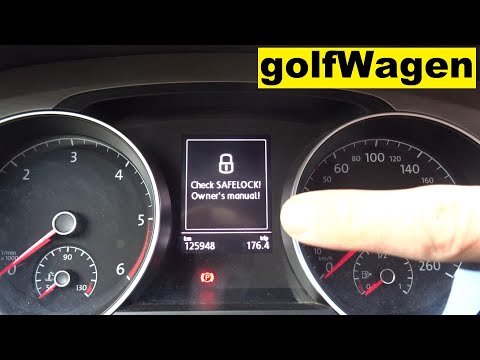
The safe lock is an anti-theft system that prevents thieves from accessing the vehicle. This device locks the doors, both externally and internally, when the driver activates the central locking remote after leaving the vehicle. To disable it permanently, you need to use a diagnostic program like VCDS, which connects to the vehicle via the OBDII port. Wait for the connection and recognition of the control unit, then select the locks present and locate the safe lock to disable it. The job will then be complete. by ScegliAuto More videos
|
|
For advertising on this site Write to info@scegliauto.com
ScegliAuto is not responsible for any inaccuracy of the data in the lists. To report any inaccuracy or your business (if you own the business in question), please write to info@scegliauto.com
Number of seconds to generate the page: 0.016
(c) ScegliAuto 2026 - info@scegliauto.com - Privacy policy VAT number: IT01247470535 |
