
|
Do it yourself
| |||
| ||||


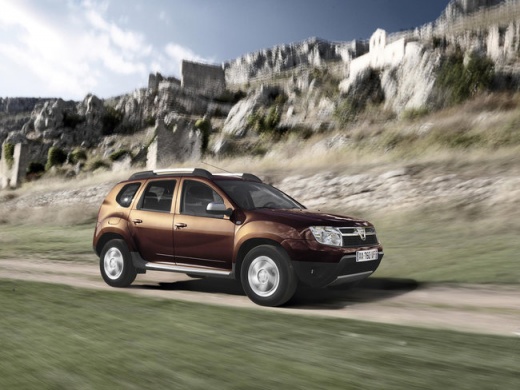
How to Turn Off the AdBlue Warning Light in a Dacia Duster
Model: Dacia Duster
MK 1, HS
- Years:
2010, 2011, 2012, 2013, 2014, 2015, 2016, 2017
Video tutorial
This video shows how to turn off the AdBlue warning light in a Dacia Duster. First, refuel the AdBlue. In the Dacia Duster, the AdBlue filler is located next to the diesel filler, behind the flap on the side of the vehicle. Open the flap, and after purchasing the AdBlue nozzle, pour the contents using a funnel if necessary. After completely refuelling, return to the car and start the vehicle; the warning light should turn off immediately, or after a few minutes or driving a short distance.
Updated on 13 June 2026 by ScegliAuto
Related tutorials
Dacia Duster
(2017-2024 /
MK 2, HM)
It will be possible to reset the AdBlue warning light displayed on the dashboard of the Dacia Duster by opening the fuel flap, which is located on th…

Dacia Duster
(2017-2024 /
MK 2, HM)
In order to reset the AdBlue warning light of the Dacia Duster, you need to open the fuel filler cap of the car, which is located on the rear right s…
Dacia Duster
(2017-2024 /
MK 2, HM)
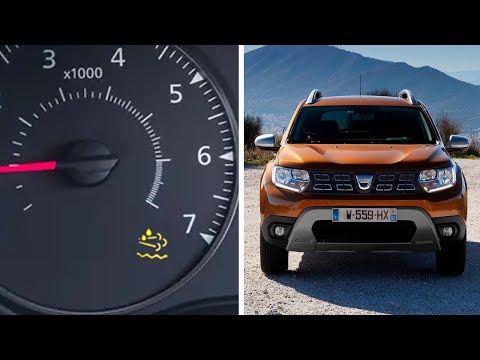
In this brief and simple guide, follow these instructions to top up the AdBlue fluid and reset the warning light on a Dacia Duster. First, open the f…
Other guides you may be interested in
|
How to Set the Date and Time on the Iveco Daily
Today, we will see in this video tutorial how to change the date and time on the Iveco Daily. First, get into the vehicle and turn on the instrument panel; then go to the vehicle settings on the central display, pressing the relevant option for date and time. At this point, press the "set" button located at the top, using the physical arrow buttons to set both the date and time; finally, exit the onboard computer menu to save the changes made! by ScegliAuto More videos
|
For advertising on this site Write to info@scegliauto.com
ScegliAuto is not responsible for any inaccuracy of the data in the lists. To report any inaccuracy or your business (if you own the business in question), please write to info@scegliauto.com
Number of seconds to generate the page: 0.022
(c) ScegliAuto 2026 - info@scegliauto.com - Privacy policy VAT number: IT01247470535 |
