
|
Do it yourself
| |||
| ||||


Model: Derbi Drd 125
In this tutorial, you will find instructions to disassemble and replace the clutch discs of a Derbi DRD 125. First, drain the engine oil by unscrewing the drain bolt located under the engine; then unscrew all the screws of the clutch side cover using a socket wrench and remove the gear lever. Next, disconnect the clutch cable by unscrewing the adjuster, and remove the water pump liquid hose, allowing it to drain; then unscrew the screws of the water pump cover and remove the clutch cover. Finally, remove the clutch discs and replace them!
Updated on 24 April 2026 by ScegliAuto
Video tutorial
Related tutorials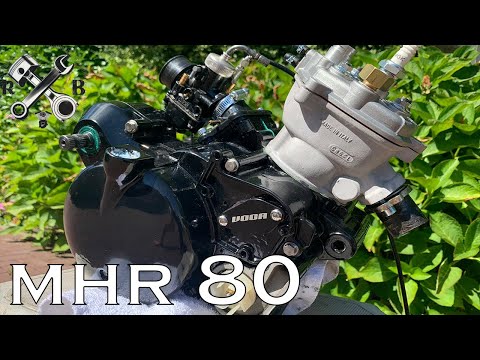
Drd 125
To replace the engine of the Derbi DRD 125, you need to completely remove the block from its housing by unscrewing the screws that secure it to its m…
Drd 125
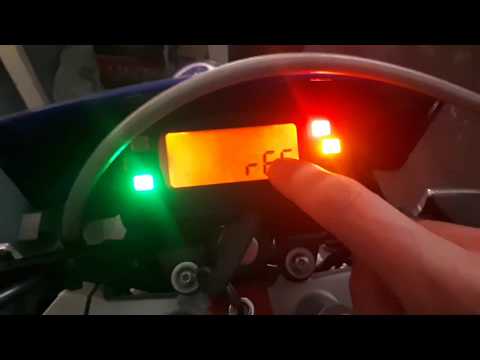
Let's see the main steps to reset the service light for routine maintenance of the oil change on a Derbi DRD 125, as well as on the Senda. First, tur…

Drd 125
In order to disassemble the engine of the Derbi DRD 125, you need to loosen the screws that fix the engine block to the corresponding housing in the …
|
Replacing the Rear Light on a Harley Davidson Street Glide
In today's tutorial video, we will see how to remove and replace the rear light on a Harley Davidson Street Glide in simple and quick steps. First, place your bike on a stand and move to the rear; then use a socket and spanner to unscrew and remove the nuts found inside the wheel arch, at the height of the rear light, as shown in the video. At this point, disconnect the electrical connector to remove and replace the light with the new one; then reassemble everything, applying the reverse procedure! by ScegliAuto More videos
|
|
For advertising on this site Write to info@scegliauto.com
ScegliAuto is not responsible for any inaccuracy of the data in the lists. To report any inaccuracy or your business (if you own the business in question), please write to info@scegliauto.com
Number of seconds to generate the page: 0.005
(c) ScegliAuto 2026 - info@scegliauto.com - Privacy policy VAT number: IT01247470535 |
