
|
Do it yourself
| |||
| ||||


How do I reset the Dodge Canavan uConnect system?
Model: Dodge Dodge Various
In order to reset the uConnect system of the Dodge Canavan you need to turn on the instrument panel by turning the appropriate key, making sure that the display located in the center of the dashboard lights up. Therefore it will be necessary to keep pressed the RADIO, MEDIA and MENU buttons at the same time: in this way it will be possible to access the secret menu of the uConnect system. Within this secret menu, there will be various items, including the one that allows you to return to the factory settings: by selecting it, the system will reboot and all settings will be restored.
Posted on 28 March 2022 by ScegliAuto
Video tutorial
Related tutorials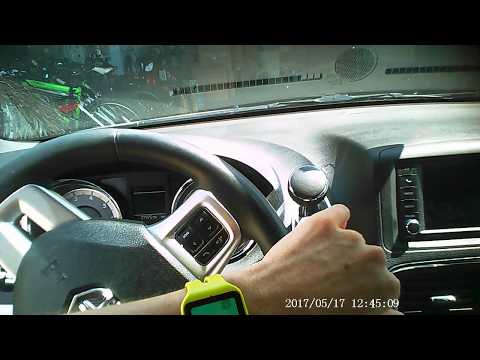
Dodge Dodge Various
In order to reset the uConnect system of the Dodge Grand Caravan you have to press and hold the handset button located at the top left of the car rad…

Dodge Dodge Various
In order to reset the uConnect system on the Dodge Durango you need to insert the key to turn on the instrument panel and hold down the buttons to lo…

Dodge Dodge Various
In order to reset the uConnect system on the Dodge Durango, the instrument panel must be turned on by turning the appropriate key and simultaneously …
Other guides you may be interested in
|
How to Fit Seat Covers on a Renault Clio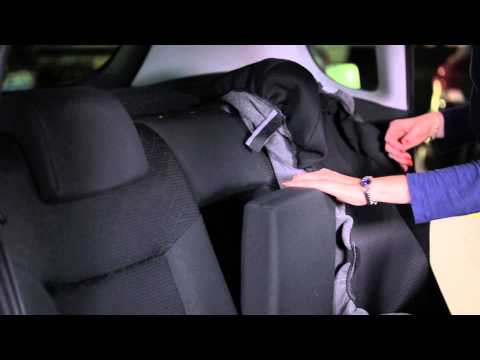
How do you fit seat covers on your Renault Clio? Watch this video for guidance. First, move the seat forward and raise the seat base, then remove the headrest from the backrest. Slide the seat cover from the top down over the backrest, removing any controls on the side of the seat if necessary by pulling them towards you. After fitting the upper seat cover, ensure it is around the headrest seals. Fit the lower seat cover on the base, pull the springs with the metal clips and secure them. Use plastic spatulas to assist with the fastening. by ScegliAuto More videos
|
|
For advertising on this site Write to info@scegliauto.com
ScegliAuto is not responsible for any inaccuracy of the data in the lists. To report any inaccuracy or your business (if you own the business in question), please write to info@scegliauto.com
Number of seconds to generate the page: 0.138
(c) ScegliAuto 2026 - info@scegliauto.com - Privacy policy VAT number: IT01247470535 |
