
|
Do it yourself
| |||
| ||||


Replacing the Centre Console Switch Panel
Model: Dodge Charger
LX
- Years 2006-2011
To replace the switch panel in the centre of the console, which integrates the parking indicator buttons, stability control disengagement, etc., you will need to remove the frame applied around the console; this frame covers the radio and climate control buttons and is simply clipped in place: lever along the edges to unclip and remove it from its position along with the air vents; at this point, disconnect the connectors to completely remove it and then proceed to dismantle the button bar in question.
Updated on 20 February 2026 by ScegliAuto
Video tutorial
Related tutorials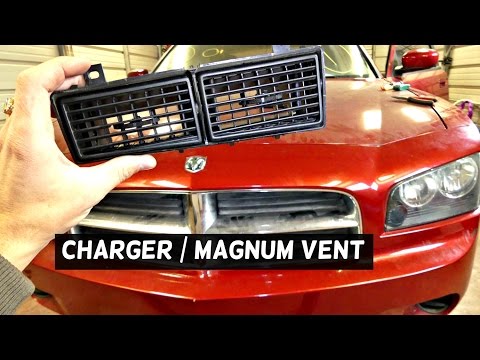
Dodge Charger
(2006-2011 /
LX)
To remove the air vents located at the top of the centre console, proceed as follows: first, move the gear lever all the way back to gain more workin…
Dodge Charger
(2006-2011 /
LX)
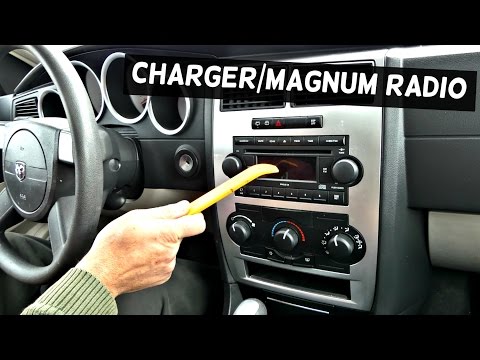
To remove the car radio, first detach the frame around the central console controls and the radio itself: simply lever along the edges to release it …
Dodge Charger
(2006-2011 /
LX)
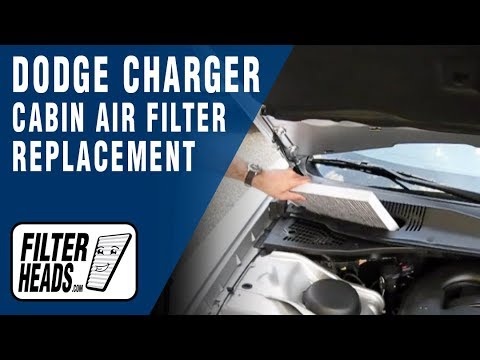
The cabin air filter is located under the front windscreen on the passenger side, just below the wiper blade; therefore, open the front bonnet to fac…
Other guides you may be interested in
|
How to Replace the Spark Plugs on a Saab 9-3
Release the bonnet from the appropriate lever and lift it. Now you will need access to the area beneath the upper engine cover, so remove it by unscrewing the bolt that secures it. After removing it, you will have access to the coils where the spark plug is located for each coil. Unscrew the bolts that secure each individual coil and extract it; this will allow you to remove the spark plug from the tip of the coil. Now, all you need to do is position the new spark plugs and retrace your steps to reassemble the various components. by ScegliAuto More videos
|
|
For advertising on this site Write to info@scegliauto.com
ScegliAuto is not responsible for any inaccuracy of the data in the lists. To report any inaccuracy or your business (if you own the business in question), please write to info@scegliauto.com
Number of seconds to generate the page: 0.074
(c) ScegliAuto 2026 - info@scegliauto.com - Privacy policy VAT number: IT01247470535 |
