
|
Do it yourself
| |||
| ||||



Video tutorial
Today we will explain how to adjust the clock on the onboard computer of the DS 3 vehicle. Press the menu button on the central dashboard, below the onboard computer, to display the general menu. From the settings section, select the "time setting" option and then go to the clock menu to set the hour and then the minutes. From the clock menu, it is also possible to adjust the time format from 12h to 24h and vice versa. Once the operation is completed, return to the main menu and restart the instrument panel; these same steps can be performed on a DS 5 vehicle.
Posted on 9 October 2025 by ScegliAuto
Related tutorials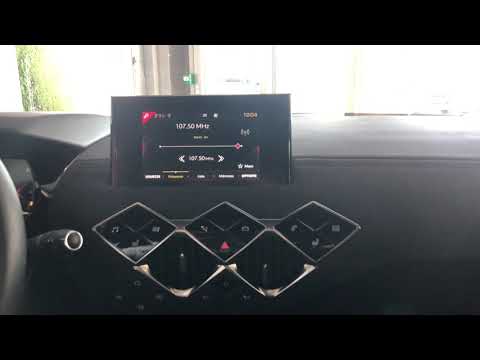
DS DS 3
(2018-2026 /
MK 2)
With the change of time, it is necessary not only to adjust the home clocks but also that of the vehicle, and today you will learn how to set the tim…

DS DS 3
(2015-2018 /
MK 1)
The car reviewed in this video is the one we are talking about in this section, namely the DS3. It offers us the possibility to consult various infor…

DS DS 3
(2015-2018 /
MK 1)
Let's see how to set up the satellite navigator on a DS3 MK1 with the touchscreen system: from any screen, press the physical "menu" button located a…
Other guides you may be interested in
|
How to Open the Fuel Filler Flap in the Hyundai i30?
In this tutorial, you will learn how to open the fuel filler flap in the Hyundai i30, a very simple operation that follows the typical procedure of most vehicles. First, unlock the locks using the designated button on the remote, then open the driver's door, locate the release lever on the left side of the seat, and operate it. Next, move to the fuel filler flap, open it completely, unscrew the cap, and refuel as needed. To close the flap, simply press it gently. by ScegliAuto More videos
|
|
For advertising on this site Write to info@scegliauto.com
ScegliAuto is not responsible for any inaccuracy of the data in the lists. To report any inaccuracy or your business (if you own the business in question), please write to info@scegliauto.com
Number of seconds to generate the page: 0.065
(c) ScegliAuto 2026 - info@scegliauto.com - Privacy policy VAT number: IT01247470535 |
