
|
Do it yourself
| |||
| ||||


How to Connect Blue&Me on Fiat Vehicles
Model: Fiat 500
312
- Years 2007-2024
First, press the hands-free button and follow the steps prompted by the device through the voice guidance. Activate the Bluetooth on your device, search for the device, and select the Blue&Me option by entering the code previously announced by the vehicle's voice guidance system. Now, complete the setup of the various options that the voice guidance will list, and you're done! You can drive and answer calls safely without taking your hands off the steering wheel!
Updated on 26 February 2026 by ScegliAuto
Video tutorial
Related tutorials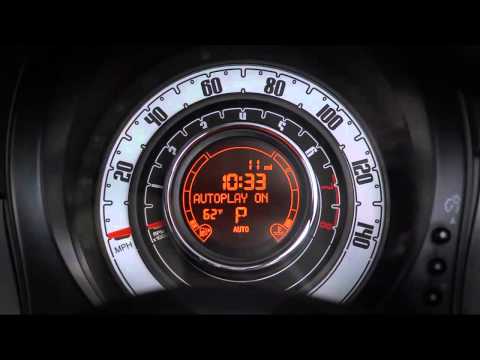
Fiat 500
(2007-2024 /
312)
This guide shows you how to use Blue&Me on a Fiat 500. It's a very simple operation; enter the vehicle, connect a USB Memory Stick, MP3 player, or Sm…
Fiat 500
(2007-2022 /
312)
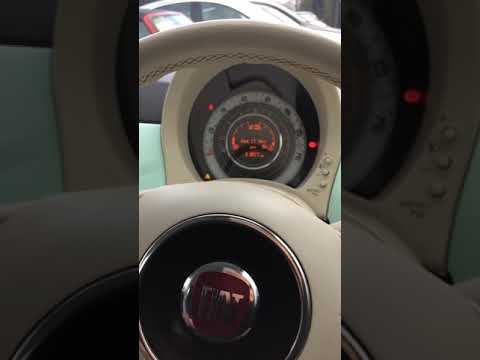
Let's see in this guide the main instructions that will allow us to reset the Blue & Me system of the Fiat 500. To be able to reset the Bluetooth sys…
Fiat 500
(2007-2022 /
312)
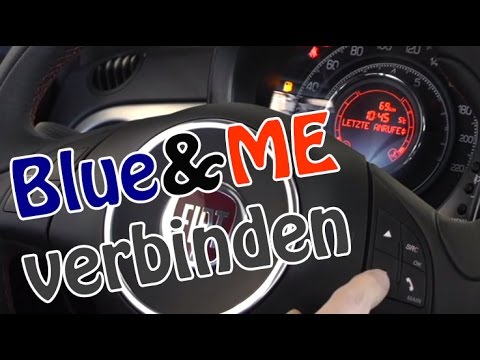
In today's video you will see how to connect your smartphone to the Fiat 500 Blue & Me bluetooth system. Obviously, this video also applies to other …
Other guides you may be interested in
|
Frequently Asked QuestionsHow to Use the Radio Navigator of a Hyundai Tucson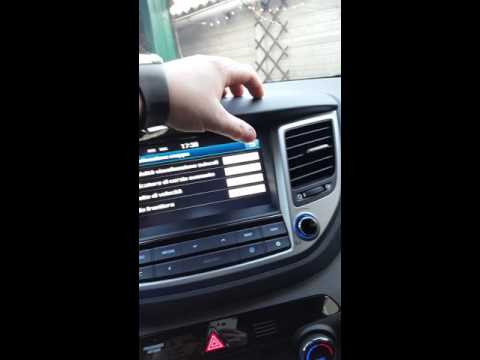
This instructional video demonstrates how to use the navigator and the information from the radio/navigator of the Hyundai Tucson. Pressing the power button on the radio will display the navigator screen with all navigation information. Below the radio display, there are manual control buttons for the stereo (a figurative button where if removed there is the SD card slot and a reset button beside it). The touch navigation screen is clear and very intuitive, easy to use even for watching videos. Always make the necessary settings for the navigator/radio while the vehicle is stationary. by ScegliAuto More videos
|
|
For advertising on this site Write to info@scegliauto.com
ScegliAuto is not responsible for any inaccuracy of the data in the lists. To report any inaccuracy or your business (if you own the business in question), please write to info@scegliauto.com
Number of seconds to generate the page: 0.061
(c) ScegliAuto 2026 - info@scegliauto.com - Privacy policy VAT number: IT01247470535 |
